This task can be performed using Hostdroplet-tools
Free tools for DNS, SSL, SEO, and website checks
Best product for this task
Hostdroplet-tools
dev-tools
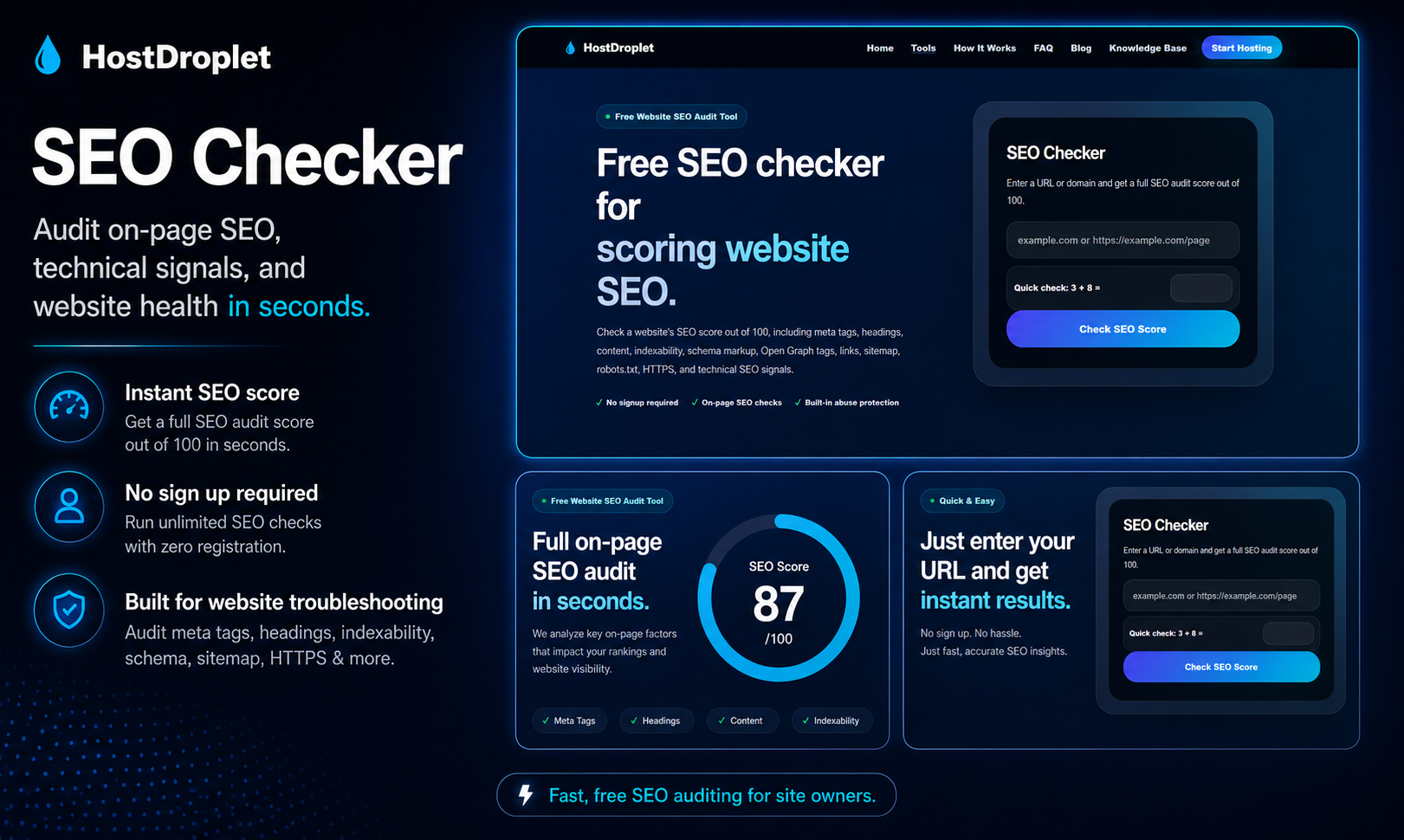
HostDroplet Tools is a free collection of website diagnostic tools for checking DNS records, SSL certificates, HTTP headers, redirects, SEO basics, email authentication, sitemap issues, robots.txt files, performance signals, and common hosting problems. It is built for website owners, developers, bloggers, agencies, and small businesses that need quick technical checks without using multiple slow or cluttered tools.
What to expect from an ideal product
- Paste your URL into hostdroplet-tools and get a plain-language breakdown of exactly which paths, bots, or directories your robots.txt file is blocking right now.
- If Googlebot is being denied access to key pages, you will see it flagged directly so you can fix the rule before rankings drop further.
- No account, no setup, no waiting on a crawl report from Google Search Console just to check one file.
- Works for any domain including staging sites, subdomains, and newly launched websites that have not been indexed yet.
- After editing your robots.txt, run the check again to confirm the new rules are actually allowing the crawlers you want in.

