This task can be performed using Quady3D
Create, inspect, refine, and export AI 3D models in one workspace
Best product for this task

Quady3D
ai
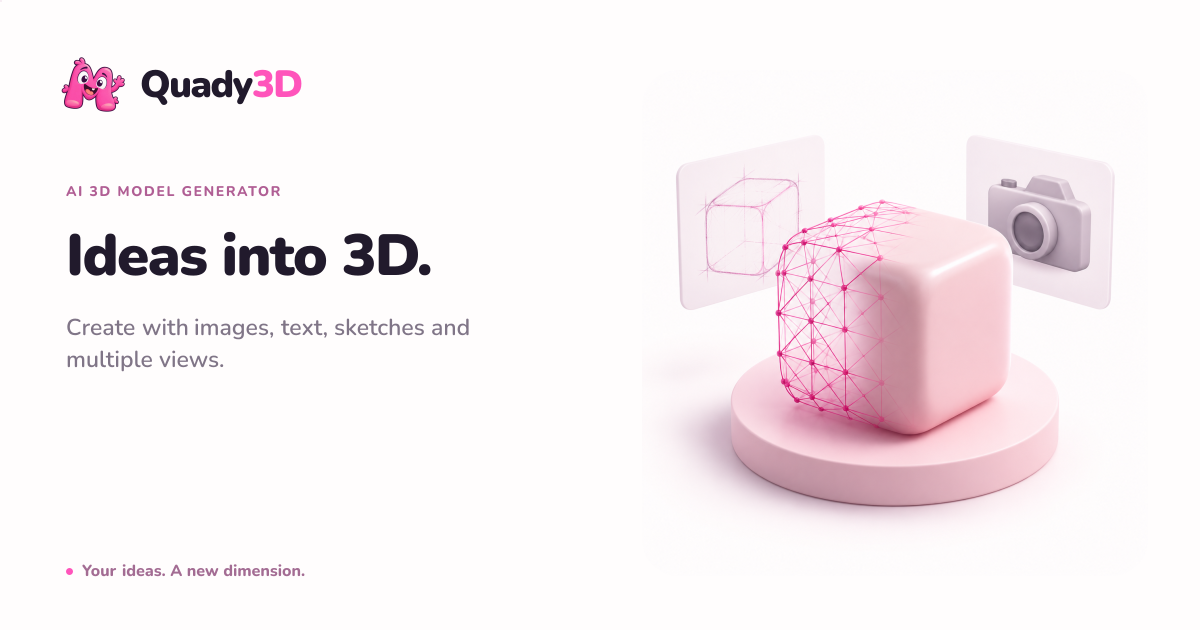
Turn images, text prompts, sketches, or multiple views into inspectable 3D models without jumping between separate generators, viewers, cleanup tools, and exporters.
ai-3d-generatorimage-to-stltext-to-3d3d-graphicsgame-development3d-printingproduct-visualizationdigital-art
What to expect from an ideal product
- Upload photos from multiple angles and Quady3D stitches them into a single inspectable 3D model you can rotate, clean up, and export without switching apps.
- No more bouncing between a generator, a viewer, and a separate exporter. Quady3D handles the full workflow in one place.
- Works from reference images, text prompts, sketches, or multi-view shots, so you are not locked into one input method to get a usable 3D result.
- Inspect geometry issues directly inside Quady3D before exporting, which saves time you would otherwise lose fixing broken meshes downstream.
- Export your finished model in standard formats ready for game engines, print, or product mockups, straight from the same workspace where you built it.

