This task can be performed using Quady3D
Create, inspect, refine, and export AI 3D models in one workspace
Best product for this task

Quady3D
ai
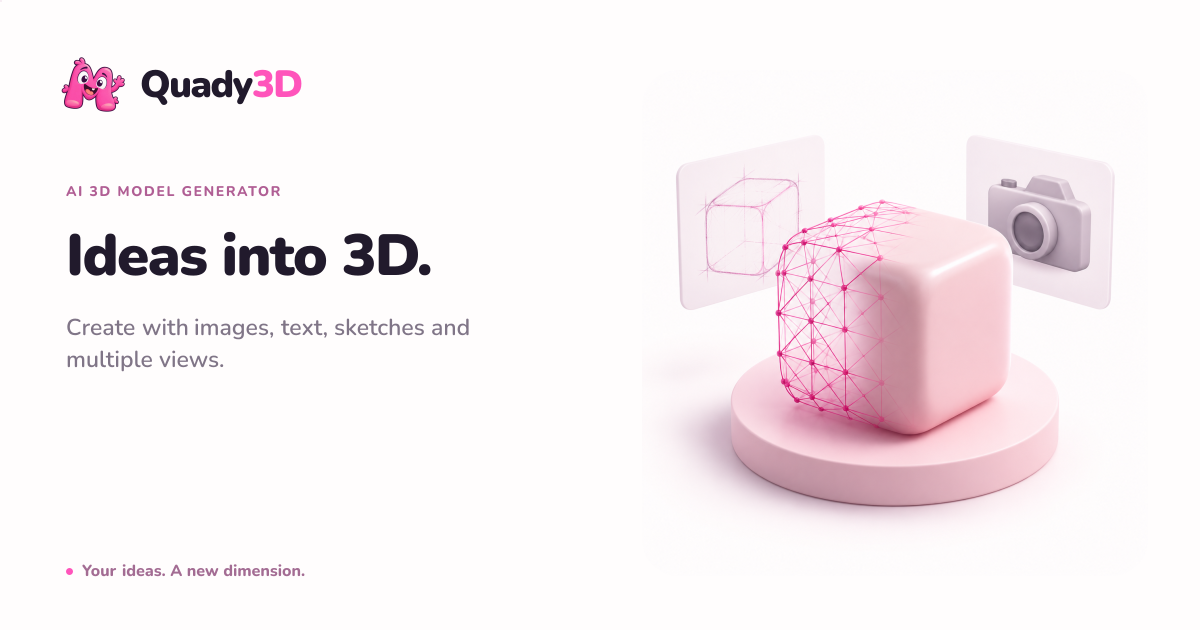
Turn images, text prompts, sketches, or multiple views into inspectable 3D models without jumping between separate generators, viewers, cleanup tools, and exporters.
ai-3d-generatorimage-to-stltext-to-3d3d-graphicsgame-development3d-printingproduct-visualizationdigital-art
What to expect from an ideal product
- Upload a photo and get a fully inspectable 3D model inside Quady3D without opening a separate viewer or cleanup tool.
- No more copying files between a generator, a mesh editor, and an exporter. Quady3D handles the full workflow in one tab.
- Inspect geometry, fix problem areas, and export your model without losing context or starting a new session elsewhere.
- Works from a single image, a text prompt, a sketch, or multiple reference views so you pick the input that fits your project.
- Teams using Quady3D cut the back and forth between tools that slow down 3D asset delivery from days to a single sitting.

