This task can be performed using ChatCut
Turn simple prompts into fully edited, AI-powered videos.
Best product for this task
ChatCut
ai
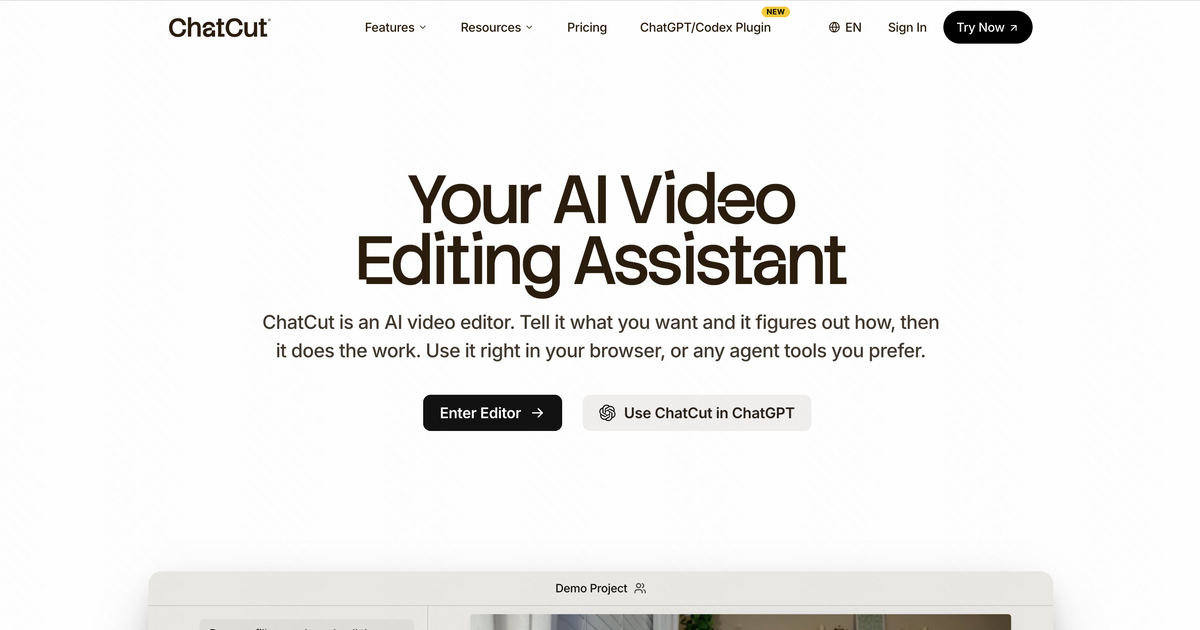
ChatCut is an AI video editor that turns natural-language prompts into complete, on-brand edits. It assembles cuts, adds motion graphics, captions, and AI-generated visuals, while letting you edit talking-head videos directly from the transcript.
What to expect from an ideal product
- ChatCut reads your text prompt and automatically assembles cuts, pacing, and scene order — no timeline dragging or manual sequencing required.
- Talking-head footage gets edited directly from the transcript: delete a sentence in the text, and ChatCut removes the corresponding clip from the video.
- Motion graphics, captions, and AI-generated visuals are added in the same prompt-driven workflow, so you skip the back-and-forth between separate design and editing tools.
- Brand consistency is built into every export — ChatCut applies your colors, fonts, and style rules automatically rather than leaving formatting as a manual afterthought.
- Creators and marketers who can write a clear brief can now produce a publish-ready video without prior editing experience or a post-production budget.

