This task can be performed using ChatCut
Turn simple prompts into fully edited, AI-powered videos.
Best product for this task
ChatCut
ai
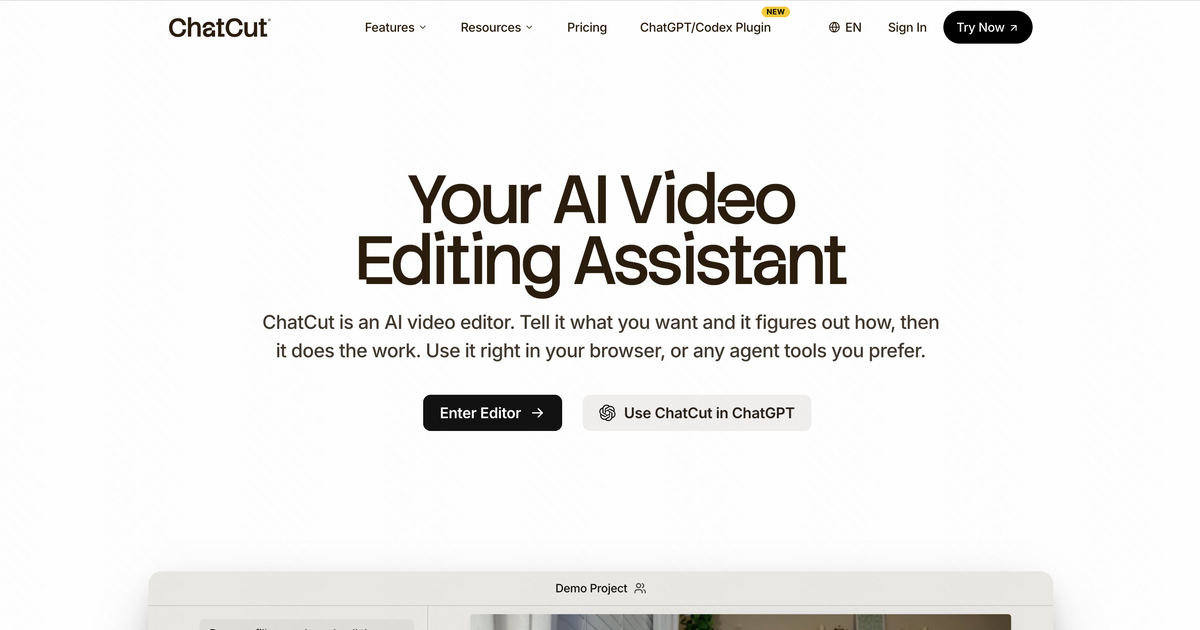
ChatCut is an AI video editor that turns natural-language prompts into complete, on-brand edits. It assembles cuts, adds motion graphics, captions, and AI-generated visuals, while letting you edit talking-head videos directly from the transcript.
What to expect from an ideal product
- ChatCut lets you cut, trim, and rearrange talking-head footage by deleting or moving lines directly in the transcript — no timeline scrubbing required.
- Filler words, awkward pauses, and repeated takes are removed in seconds by editing text, making a 30-minute raw recording publishable in under 10 minutes.
- Unlike traditional editors that force you to learn cut points and ripple edits, ChatCut treats your spoken words as the editing interface — making it accessible to founders, coaches, and marketers with zero editing background.
- Every transcript edit syncs instantly to the video output, so what you read is exactly what your audience watches — no render-and-check loops needed.
- ChatCut pairs transcript editing with automatic caption generation and on-brand motion graphics, turning a single talking-head clip into a polished, ready-to-publish video without switching tools.

