This task can be performed using Invoice Paid
Free invoice generator - no signup, no watermark
Best product for this task
Invoice Paid
payments
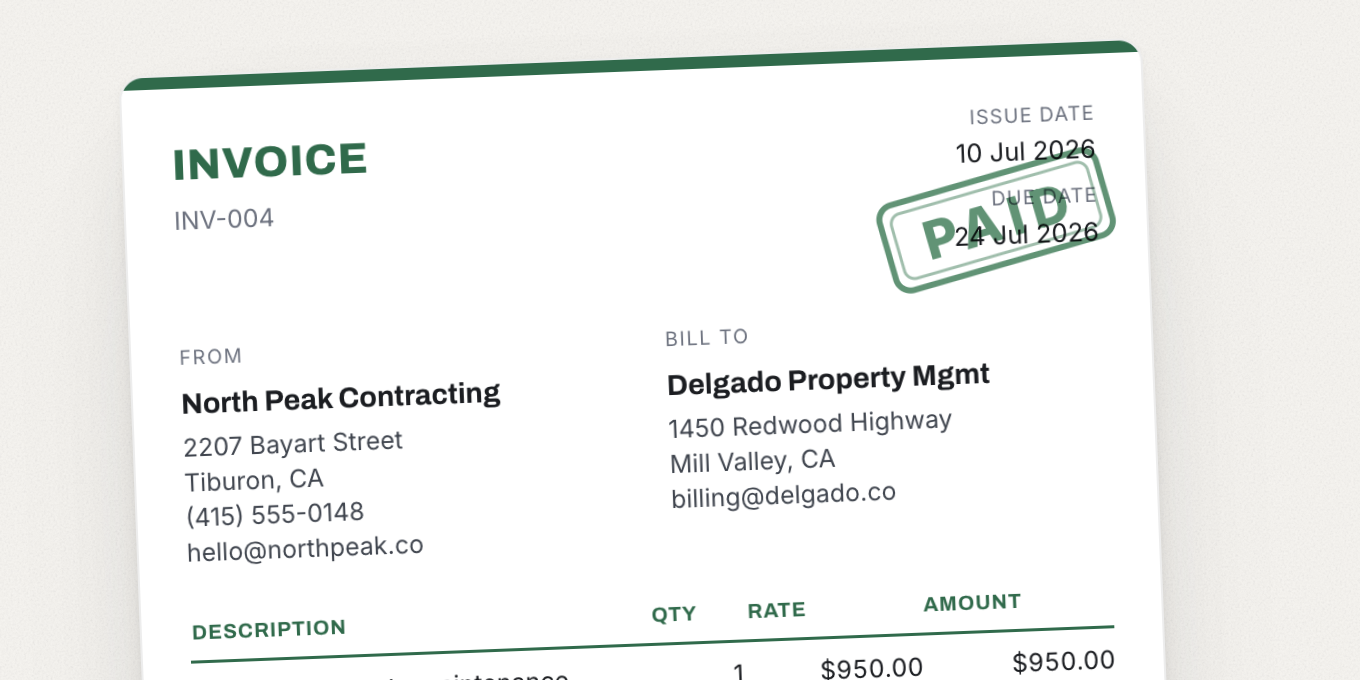
Create professional invoices in your browser and download a clean PDF - no account, no email gate, no watermark stamped across the page. Pick from 16 templates built for specific trades (plumber, electrician, cleaner, photographer) and tax systems (UK VAT, UAE TRN), or start blank. Add your logo, tax line, and payment terms. The web tool is free forever; the iPhone app adds saved clients, estimates, and paid/unpaid tracking.
invoice generatorinvoice templatePDF invoicefreelancer toolssmall businesscontractor invoicefree toolsno signupVAT invoicebilling
What to expect from an ideal product
- Mark invoices as paid or unpaid inside the Invoice Paid iPhone app so you always know which clients still owe you money without digging through your email sent folder.
- Send an invoice from your browser in minutes, then track its payment status from your phone when the client pays, no spreadsheet or accounting software needed.
- The free web tool handles the invoice creation, the app handles the follow-up, so nothing slips through the cracks between sending and getting paid.
- If a client says they never received it or already paid, you can pull up the invoice status instantly and settle the dispute on the spot.
- Freelancers and tradespeople using Invoice Paid stop losing track of outstanding invoices because paid and unpaid are separated clearly, not buried in a list of 50 identical PDF filenames.

