This task can be performed using Invoice Paid
Free invoice generator - no signup, no watermark
Best product for this task
Invoice Paid
payments
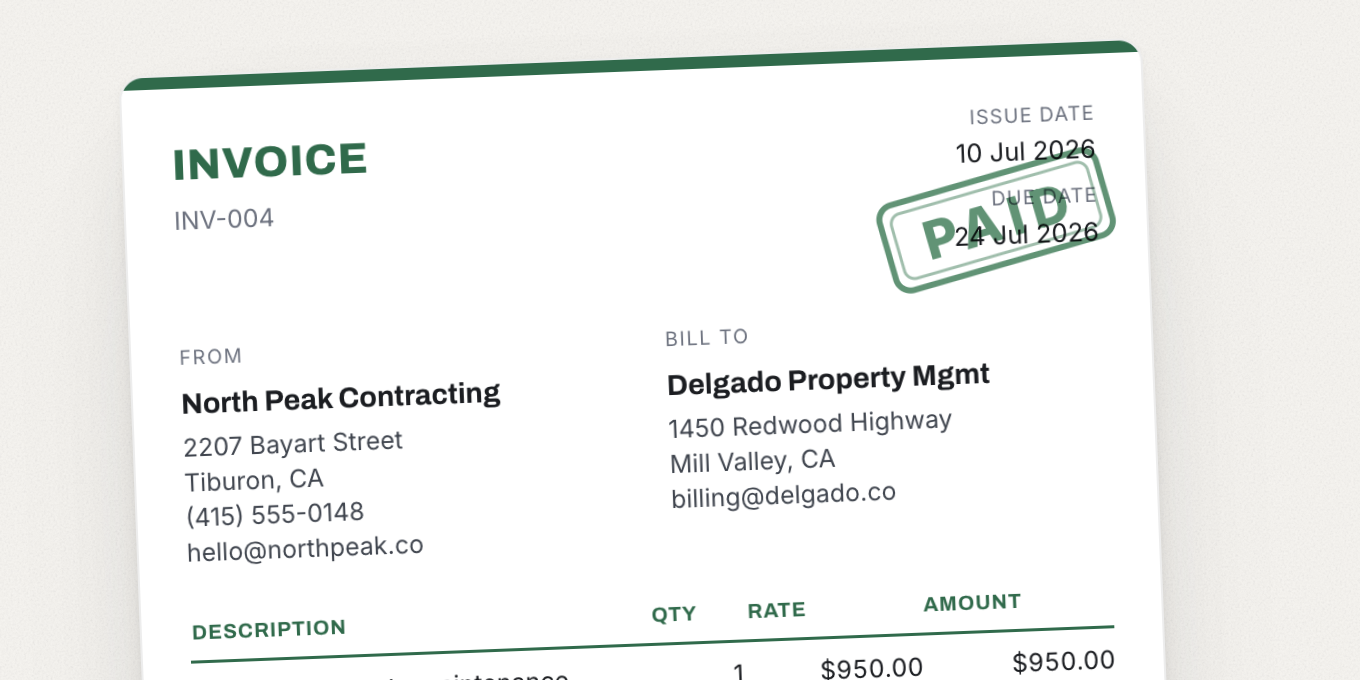
Create professional invoices in your browser and download a clean PDF - no account, no email gate, no watermark stamped across the page. Pick from 16 templates built for specific trades (plumber, electrician, cleaner, photographer) and tax systems (UK VAT, UAE TRN), or start blank. Add your logo, tax line, and payment terms. The web tool is free forever; the iPhone app adds saved clients, estimates, and paid/unpaid tracking.
invoice generatorinvoice templatePDF invoicefreelancer toolssmall businesscontractor invoicefree toolsno signupVAT invoicebilling
What to expect from an ideal product
- Invoice Paid lets you add a VAT or TRN tax line directly in the browser, no account needed, so UK and UAE freelancers can send compliant invoices in minutes.
- Choose a template built specifically for UK VAT or UAE TRN billing, fill in your rate, and the tax calculates automatically before you download the PDF.
- No watermark appears on the final invoice, which matters when sending paperwork to a professional client or a UAE-based business that expects clean documentation.
- If you work across both markets, you can switch between a UK VAT invoice and a UAE TRN invoice without creating a new account or starting from scratch each time.
- The free web tool covers the full invoice build including tax lines, logo, and payment terms, while the iPhone app adds saved clients and paid or unpaid tracking for repeat work.

