This task can be performed using Pixel Agents
Build collaborative pixel-office AI agents, one commit at a time.
Best product for this task

Pixel Agents
dev-tools
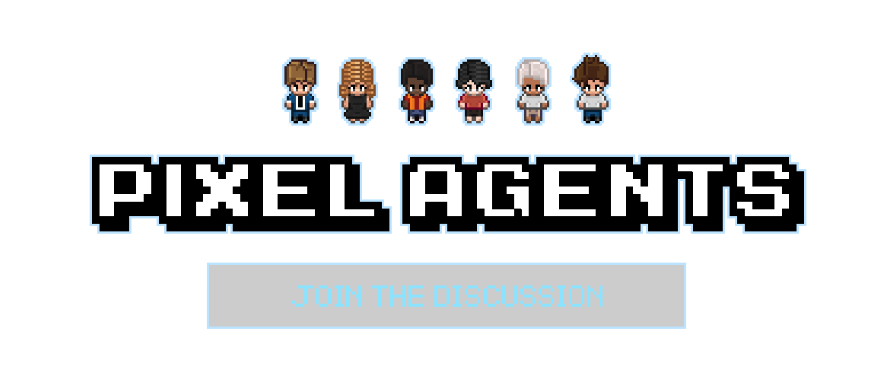
Pixel Agents is an open-source VS Code extension that transforms your Claude Code terminals into animated pixel characters inside a customizable virtual office. Each agent appears as a unique sprite that walks, sits, and visually mirrors its current activity, turning background AI workflows into a clear, glanceable workspace.
What to expect from an ideal product
- Watch your AI agents work as animated pixel characters in a virtual office layout that shows exactly which agent is handling each coding task
- Get instant visual feedback when agents start new projects, make commits, or switch between different parts of your codebase through real-time activity updates
- Organize multiple agents by assigning them to specific areas of your custom office layout, making it easy to see who's working on what at a glance
- Track individual agent progress with dedicated sub-agent views that break down each character's current tasks and recent contributions
- Monitor team productivity through the activity visualization system that highlights busy periods, completed work, and collaboration patterns between agents

