This task can be performed using Symvibe
Run your AI coding agents on one infinite board
Best product for this task

Symvibe
dev-tools
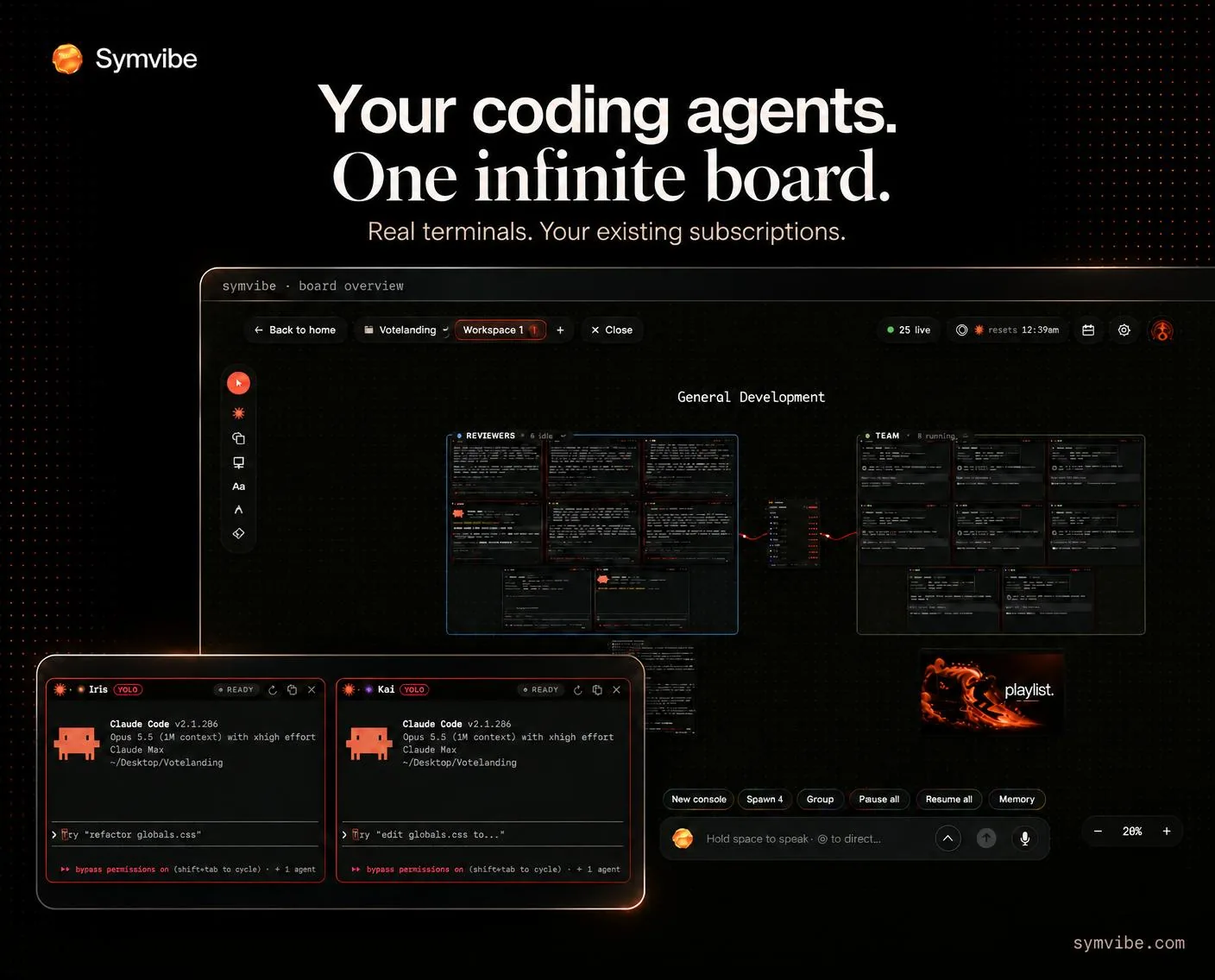
Run Claude Code, Codex, Gemini and other CLI agents side by side on an infinite board. Symvibe brings real terminals, agent status, teams, voice control and live previews into one native Mac app. Use the agent accounts you already have. macOS 14+, Apple Silicon.
What to expect from an ideal product
- Symvibe connects to Gemini CLI and Claude Code using your existing API keys or subscriptions, so you never create a new account or manage extra credentials.
- Open multiple CLI agents in real terminals side by side on an infinite Mac canvas, so you can run a Gemini session and a Claude session on the same codebase without switching windows.
- Agent status indicators show you which session is thinking, waiting, or done, so you always know what each agent is doing without reading raw terminal output.
- Built for Apple Silicon on macOS 14 and later, Symvibe runs agents natively without Docker wrappers or browser tabs slowing things down.
- Live previews and voice control let you review output and direct agents hands-free, cutting the feedback loop between prompting and seeing working code.

