This task can be performed using FluentDB
The AI database client for macOS
Best product for this task

FluentDB
dev-tools
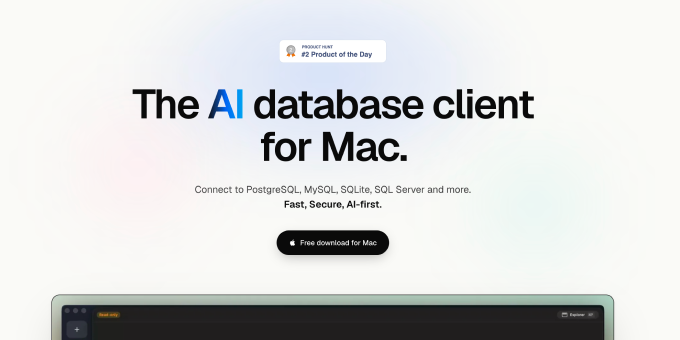
FluentDB is the AI database client for macOS that is fast, lightweight, and secure.
What to expect from an ideal product
- FluentDB installs in minutes on macOS and connects to your database without extra configuration or bloated setup steps.
- Run queries, explore schemas, and get AI-powered suggestions directly inside a native Mac app built for speed.
- FluentDB keeps your credentials and data local, so nothing gets sent to third-party servers without your control.
- Switching from TablePlus, Postico, or another database client takes under five minutes with FluentDB's straightforward connection flow.
- Works with PostgreSQL, MySQL, SQLite, and more, making FluentDB a single tool that covers your full database stack on macOS.

