This task can be performed using FluentDB
The AI database client for macOS
Best product for this task

FluentDB
dev-tools
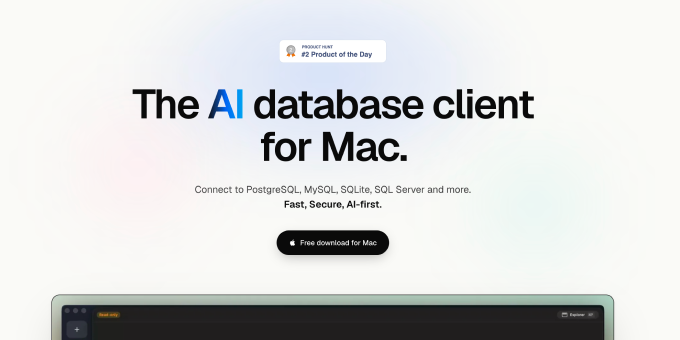
FluentDB is the AI database client for macOS that is fast, lightweight, and secure.
What to expect from an ideal product
- FluentDB runs natively on macOS, so you get a snappy, responsive experience without browser lag or Electron overhead slowing your queries down.
- Write queries in plain language and FluentDB translates them instantly, cutting out the back-and-forth of manually crafting SQL across different database types.
- Connect to PostgreSQL, MySQL, SQLite, and more from one lightweight app, no need to juggle multiple tools or keep switching contexts.
- Your credentials and query data stay local on your Mac, so sensitive production data never touches a third-party server or cloud pipeline.
- Teams debugging slow queries or exploring unfamiliar schemas can get answers in seconds instead of spending hours reading documentation or guessing table structures.

