This task can be performed using MachinesFluent
The best AI powered Dictation Tool
Best product for this task

MachinesFluent
productivity
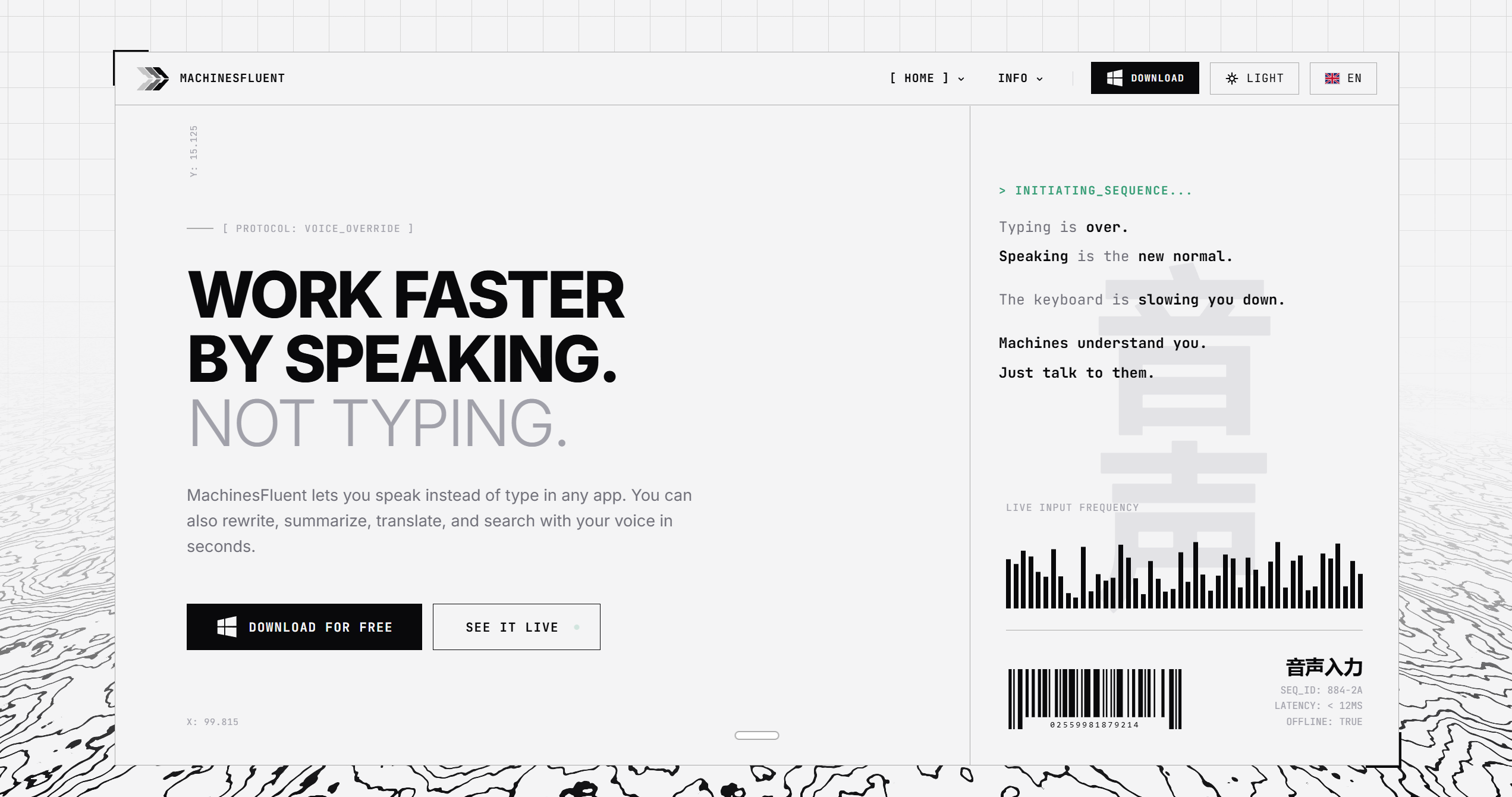
MachinesFluent lets you write anywhere by speaking instead of typing. It works anywhere the keyboard does. Rewrite, summarize, translate, or perform web searches, by simply using your voice. It uses AI models to transcribe and polish your speech, while you control the output style using custom prompts. It also adapts the writing style to the app you're using, and supports adding your own dictionaries for tough words. That is the core of it.
dictationvoice typingspeech to textAI writingWindows productivityvoice inputweb searchemail writingnote takingaccessibility
What to expect from an ideal product
- MachinesFluent works in every app your keyboard does, so you can dictate emails, code comments, docs, and chat messages without switching tools or copying text around.
- Built-in AI models clean up your speech on the fly, turning rough spoken sentences into polished written output without you touching the keyboard to fix it.
- Custom prompts let you control tone and style per task, so a Slack message sounds casual while a client proposal sounds professional, all from the same voice input.
- Per-app writing style adaptation means MachinesFluent automatically adjusts how it writes depending on whether you are in a browser, a text editor, or a messaging app.
- Add your own dictionaries for technical terms, brand names, or industry jargon so the transcription gets them right the first time instead of guessing wrong repeatedly.
More topics related to MachinesFluent
Similar topics
- How to dictate text hands-free and have it automatically polished and formatted in any application on your computer?
- How to translate, rewrite, or summarize content using just your voice without switching between tools?
- How to add custom dictionaries and prompts to improve voice dictation accuracy for specialized or technical words?

