This task can be performed using MachinesFluent
The best AI powered Dictation Tool
Best product for this task

MachinesFluent
productivity
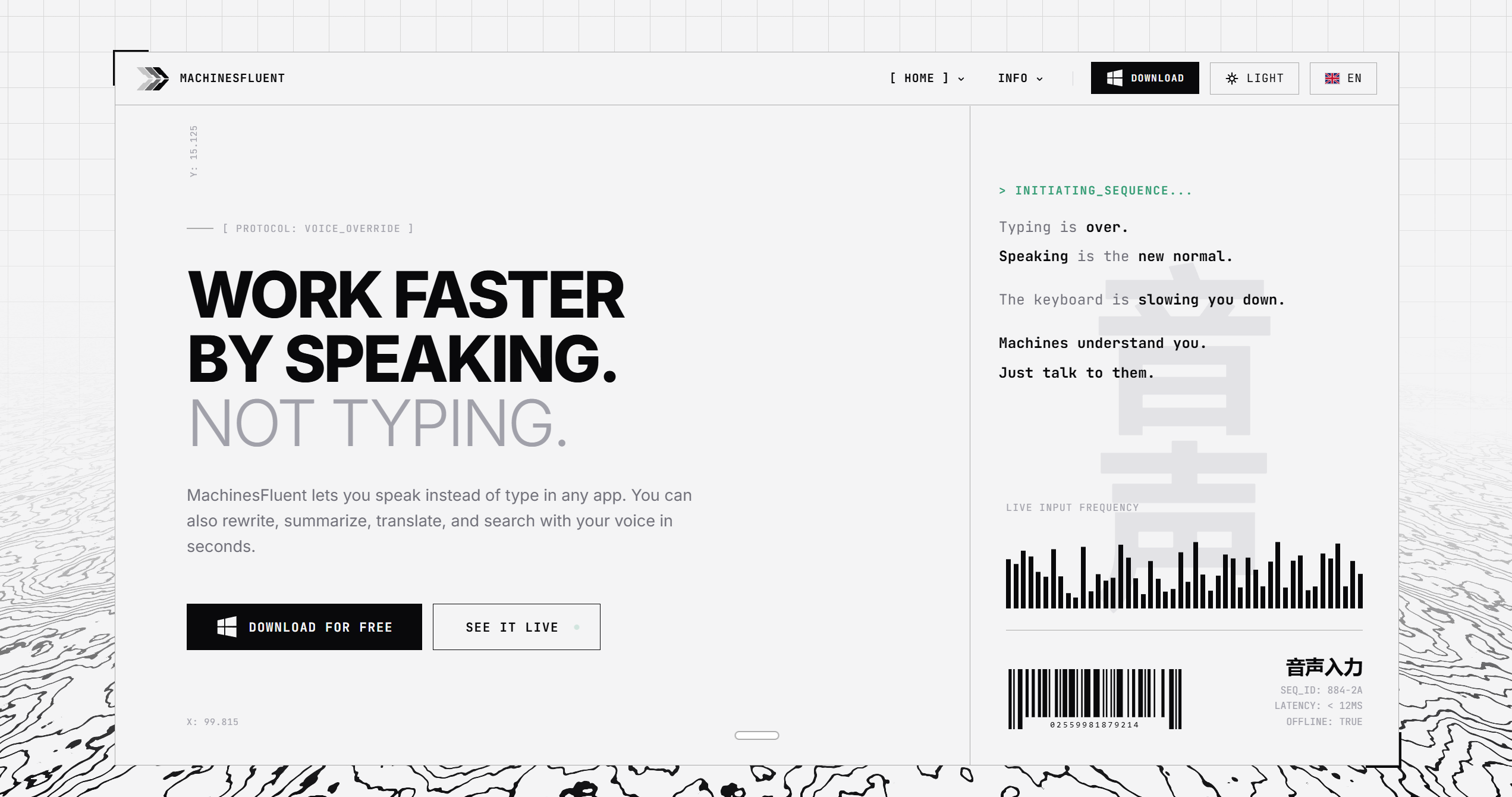
MachinesFluent lets you write anywhere by speaking instead of typing. It works anywhere the keyboard does. Rewrite, summarize, translate, or perform web searches, by simply using your voice. It uses AI models to transcribe and polish your speech, while you control the output style using custom prompts. It also adapts the writing style to the app you're using, and supports adding your own dictionaries for tough words. That is the core of it.
dictationvoice typingspeech to textAI writingWindows productivityvoice inputweb searchemail writingnote takingaccessibility
What to expect from an ideal product
- Speak naturally into your microphone and MachinesFluent will transcribe your words directly into whatever app you have open, just like typing but faster
- The built-in AI cleans up your speech on the fly, fixing grammar and polishing the text so you don't have to go back and edit anything manually
- Set up custom prompts to control how your text comes out, whether you want it formal, casual, short, or detailed, and it remembers your preferences
- It automatically picks up on the app you're using and adjusts the writing style accordingly, so an email sounds like an email and a document sounds like a document
- Add your own custom dictionaries to handle industry terms, names, or unusual words that would otherwise get mangled during transcription

