This task can be performed using Voiset
AI Task Manager & Smart Notes in One Click
Best product for this task

Voiset
productivity
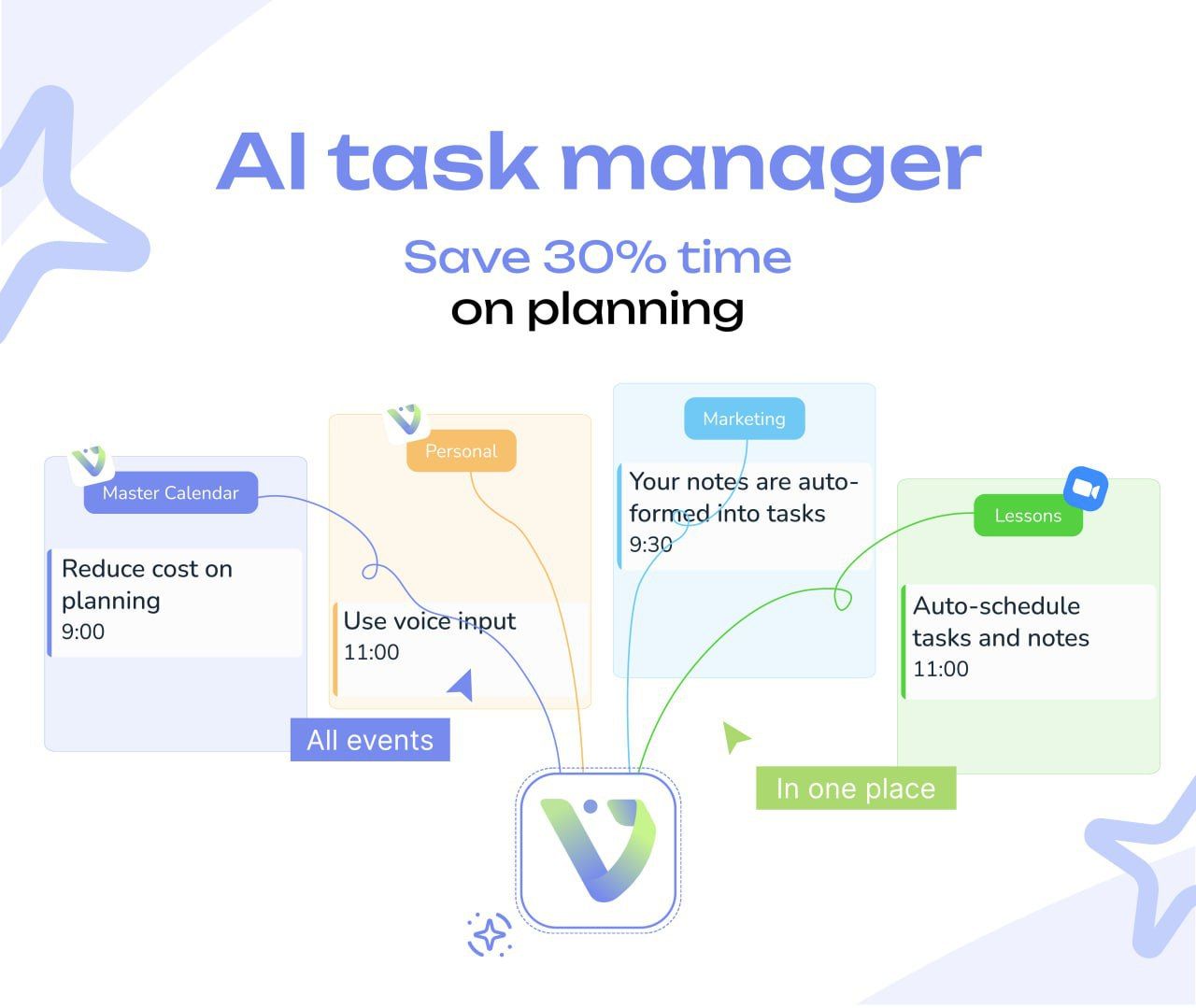
Voiset.io helps you stay organized with easy task management, smart notes, and AI scheduling. Add tasks, take voice notes, and let AI plan your day. The smart calendar keeps everything in order, and you can connect external calendars for seamless scheduling. The ChatGPT plugin gives extra help when needed. One simple tool for all your daily tasks—fast, smart, and easy to use.
#AIProductivity#TaskManager#SmartNotes#Voiset#ProductivityApp#WorkSmarter#DailyPlanner#AIPlanning#AutomatedScheduling
What to expect from an ideal product
- Voiset's AI scheduling feature analyzes your task list and automatically builds a realistic daily plan so you stop wasting time organizing and start actually working.
- You can add tasks by voice in seconds, and Voiset's AI places them into your calendar at the right time without any manual dragging or rescheduling.
- Connect your external calendars like Google or Outlook and Voiset syncs everything into one view, so your AI schedule accounts for meetings you already have booked.
- The built-in ChatGPT plugin inside Voiset lets you break down complex tasks or get scheduling suggestions without switching to another app or tab.
- People who struggle to stick to a planned workday use Voiset's smart calendar to set priorities and let the AI reschedule automatically when something runs over.

