This task can be performed using Orca
Run AI coders in parallel, side‑by‑side, safely isolated.
Best product for this task

Orca
dev-tools
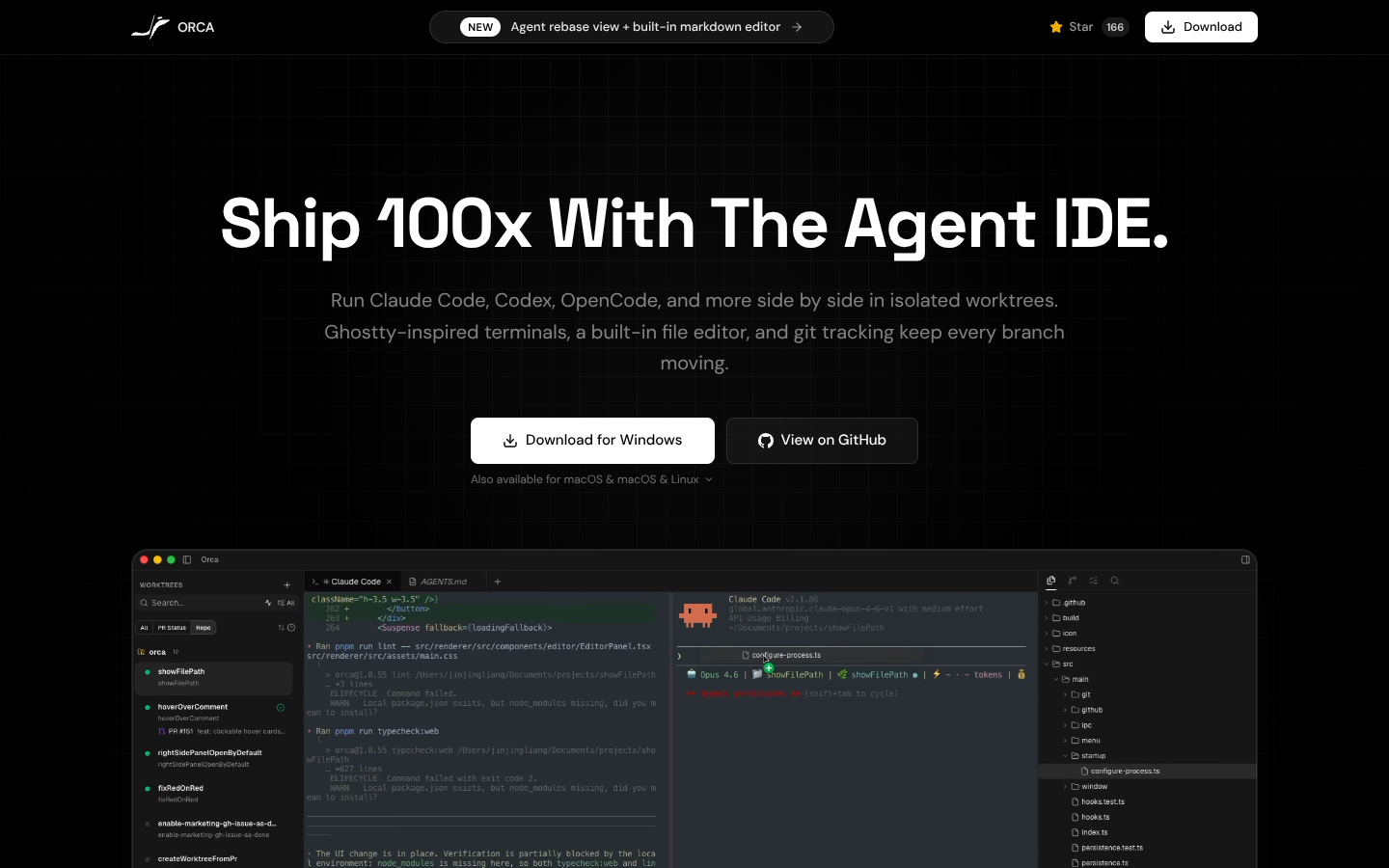
Orca is a worktree-centric IDE that runs Claude Code, Ghostty-style terminals, and AI coding agents in parallel across isolated branches. It unifies terminals, file editing, docs, diffs, and PR review so you can coordinate multi-agent development workflows from a single, branch-aware desktop workspace.
What to expect from an ideal product
- Use Orca's worktree system to assign each AI agent its own isolated branch, preventing code conflicts when multiple agents work on different features
- Set up separate terminal instances within Orca for each coding agent so their processes and commands don't interfere with each other
- Configure Claude Code integration to run multiple AI assistants in parallel while keeping their work contained to specific branches
- Leverage Orca's unified workspace to monitor all active AI agents from one screen, switching between their progress without losing context
- Coordinate agent handoffs using Orca's built-in diff and PR review tools to merge completed work from isolated branches back to main

