This task can be performed using Orca
Run AI coders in parallel, side‑by‑side, safely isolated.
Best product for this task

Orca
dev-tools
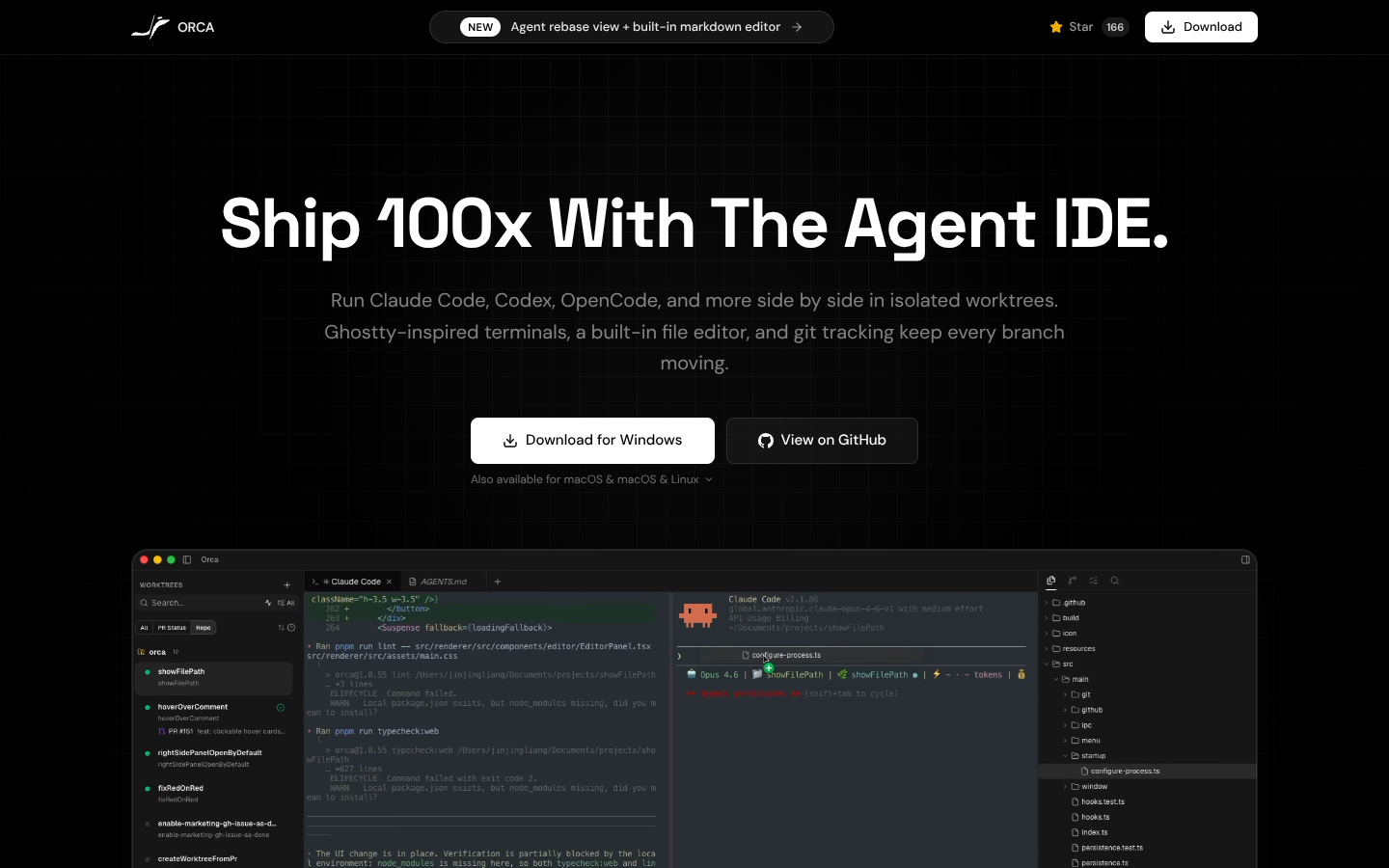
Orca is a worktree-centric IDE that runs Claude Code, Ghostty-style terminals, and AI coding agents in parallel across isolated branches. It unifies terminals, file editing, docs, diffs, and PR review so you can coordinate multi-agent development workflows from a single, branch-aware desktop workspace.
What to expect from an ideal product
- Run multiple AI coding agents on separate branches simultaneously so each agent can work on different features without stepping on each other's code changes
- Review and compare code changes across branches in real-time using built-in diff tools that show exactly what each AI agent modified
- Coordinate pull request reviews directly in the workspace where you can see all agent contributions, approve changes, and merge branches without switching between tools
- Track which AI agent made which changes through branch-aware file editing that keeps a clear history of who touched what code
- Manage the entire development workflow from one desktop interface that connects terminals, documentation, and code review instead of juggling multiple browser tabs and applications

