This task can be performed using Murmr Voice
Effortless on‑device dictation, perfectly formatted, fiercely private.
Best product for this task

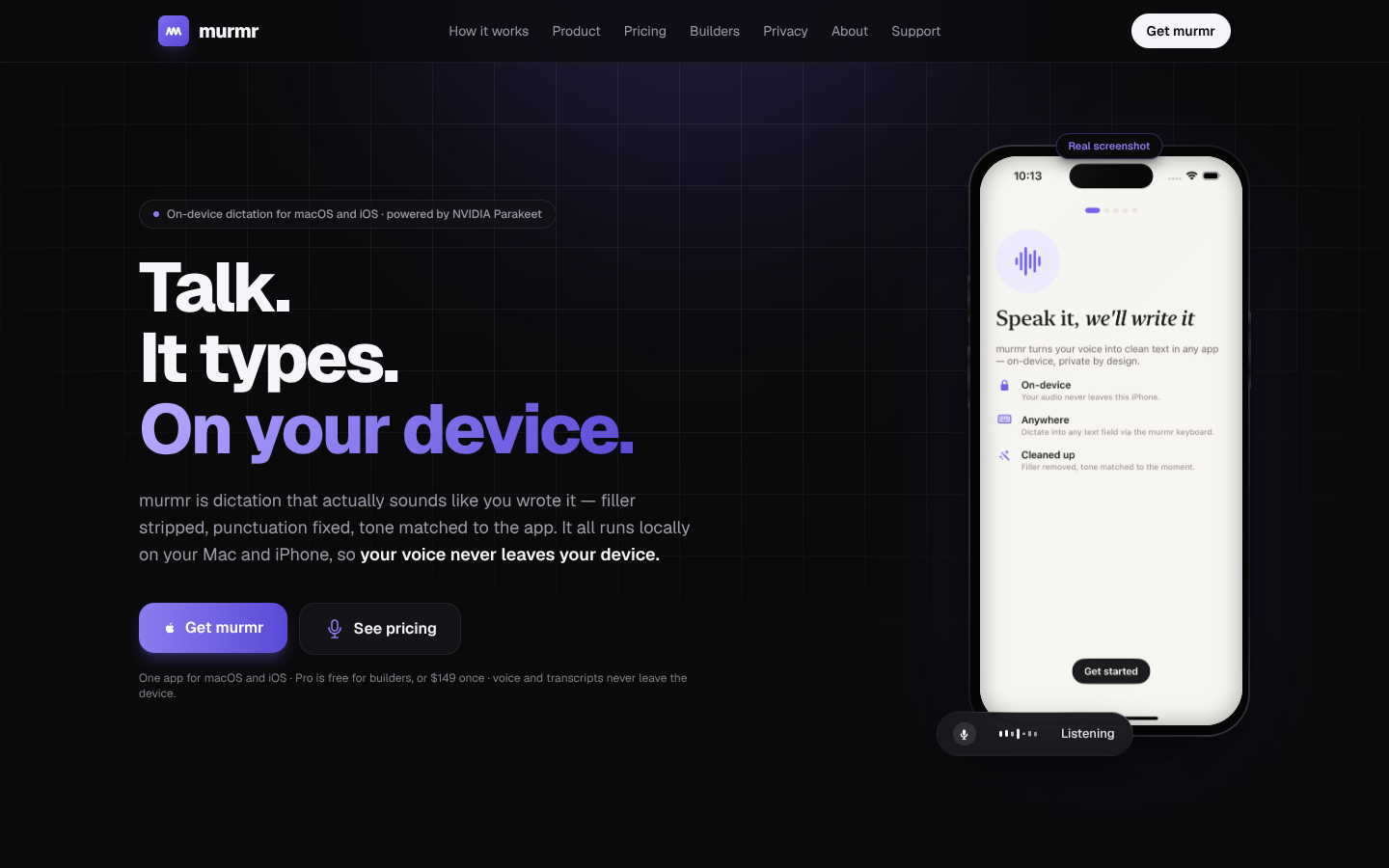
Murmr converts natural speech into clean, tone-aware text entirely on-device for macOS and iOS, keeping audio and transcripts private. It removes filler, fixes punctuation, and offers a unified voice workspace with dictation history, listening modes, and advanced controls for focused, hands-free writing.
What to expect from an ideal product
- Murmr Voice runs entirely on-device, so your dictated notes, messages, and drafts never leave your iPhone — no cloud uploads, no privacy trade-offs, just raw speech turned into clean text locally.
- As you speak, Murmr automatically strips filler words like "um," "uh," and "you know" and inserts correct punctuation in real time, so your output reads like typed prose without any manual cleanup.
- Unlike the native iPhone keyboard dictation, Murmr preserves a full history of your voice sessions, letting you revisit, copy, or build on past dictations without losing anything between app switches.
- Murmr detects the tone of what you're saying and formats text accordingly — a casual voice memo reads differently than a structured work note, without you changing any settings mid-dictation.
- Writers, professionals, and anyone who drafts hands-free can switch between listening modes to control how aggressively Murmr cleans speech, making it practical for quick messages and long-form content alike.

