This task can be performed using Seedance 3.0
Free 4K AI videos—edit just the parts you want
Best product for this task

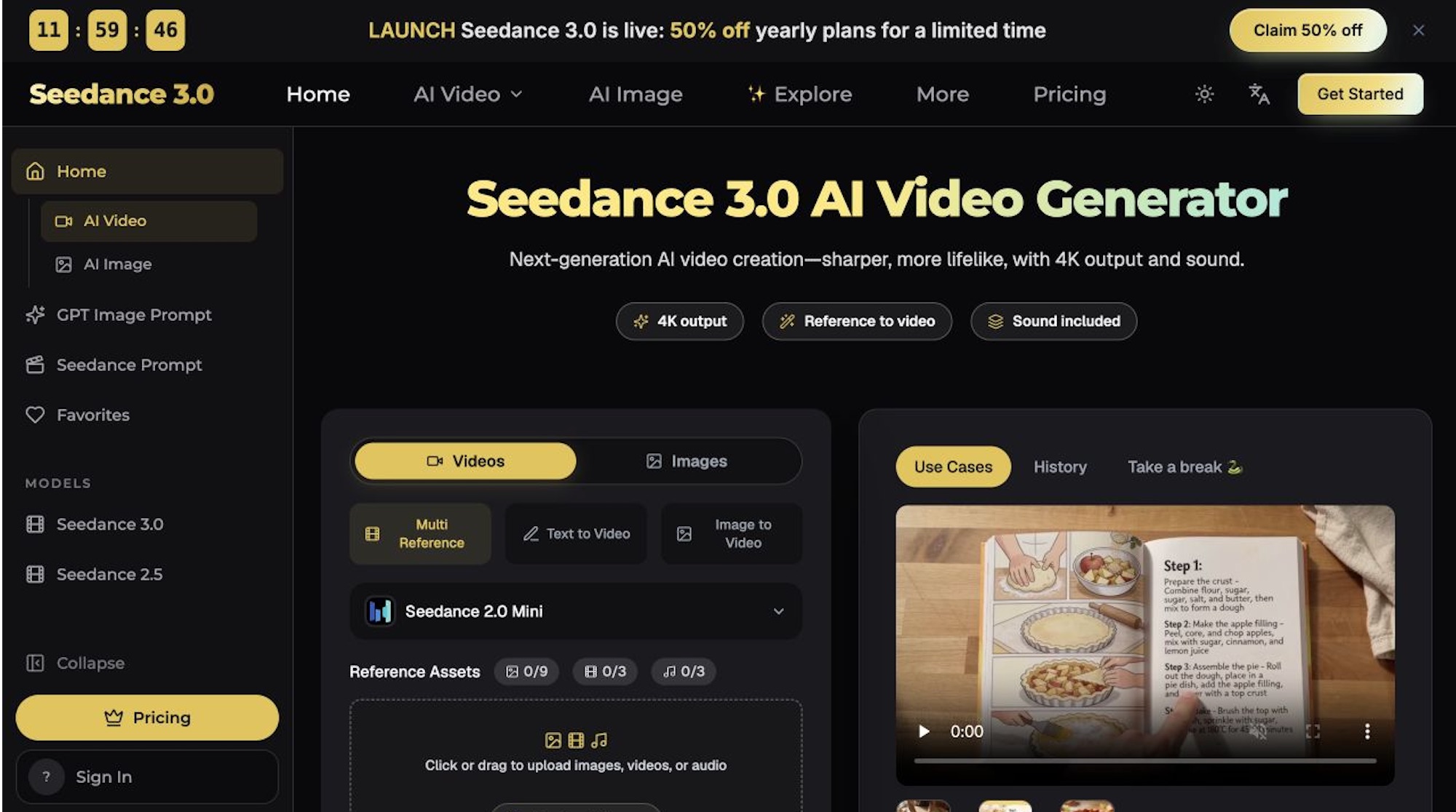
Multi-Reference AI Video Generation & Precise Video Editing. Seedance 3.0 is an AI video generator that combines images, video clips, and audio references to create videos. Generate cinematic scenes and edit specific elements while preserving original motion and camera movements.
4k video generatormulti shot synthesisreference conditioned animationvideo creationai filmmakingcontent productioncreative studiosecommerce marketing
What to expect from an ideal product
- Seedance 3.0 locks in your original camera movements during regeneration, so a slow pan or dolly shot stays exactly as filmed even after you swap out characters, backgrounds, or objects in the scene.
- Upload a reference video clip and Seedance 3.0 uses it as a motion blueprint, matching speed, angle, and trajectory without you manually keyframing anything.
- Editors working on 4K footage can target one problem area, regenerate just that segment, and export a clean cut without re-rendering the full sequence or losing the original handheld feel.
- Seedance 3.0 accepts image, video, and audio references together, so you can match a specific lens look and a sound cue in a single generation pass rather than fixing them separately in post.
- If your shot has a tracking movement tied to a subject, Seedance 3.0 preserves that subject-camera relationship even when the subject itself is replaced, which is the main reason regenerated footage blends invisibly with original cuts.