This task can be performed using Seedance 3.0
Free 4K AI videos—edit just the parts you want
Best product for this task

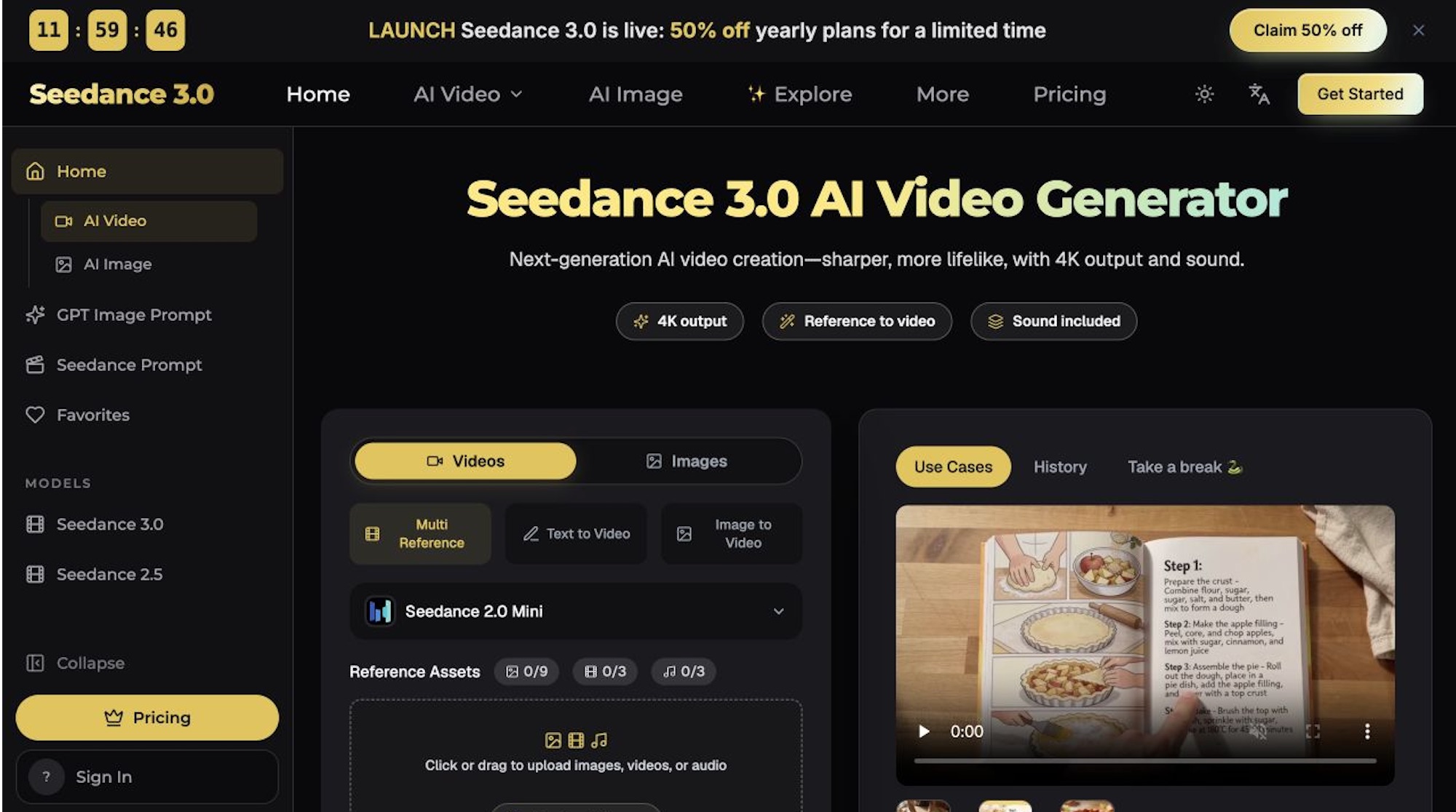
Multi-Reference AI Video Generation & Precise Video Editing. Seedance 3.0 is an AI video generator that combines images, video clips, and audio references to create videos. Generate cinematic scenes and edit specific elements while preserving original motion and camera movements.
4k video generatormulti shot synthesisreference conditioned animationvideo creationai filmmakingcontent productioncreative studiosecommerce marketing
What to expect from an ideal product
- Seedance 3.0 lets you swap a background, change a character's outfit, or fix a single shot without re-generating the entire video clip.
- Upload your own images, existing footage, and audio as references so the output matches your creative direction from the first generation.
- Edited segments inherit the original camera movement and motion timing, so cuts between changed and unchanged sections stay seamless.
- Free 4K output means you are not paying extra to get broadcast-ready resolution on every generated or edited video.
- Ideal for creators who need to correct one scene after client feedback without losing the approved footage surrounding it.