This task can be performed using Trackly
Track website changes that impact your business
Best product for this task
Trackly
analytics
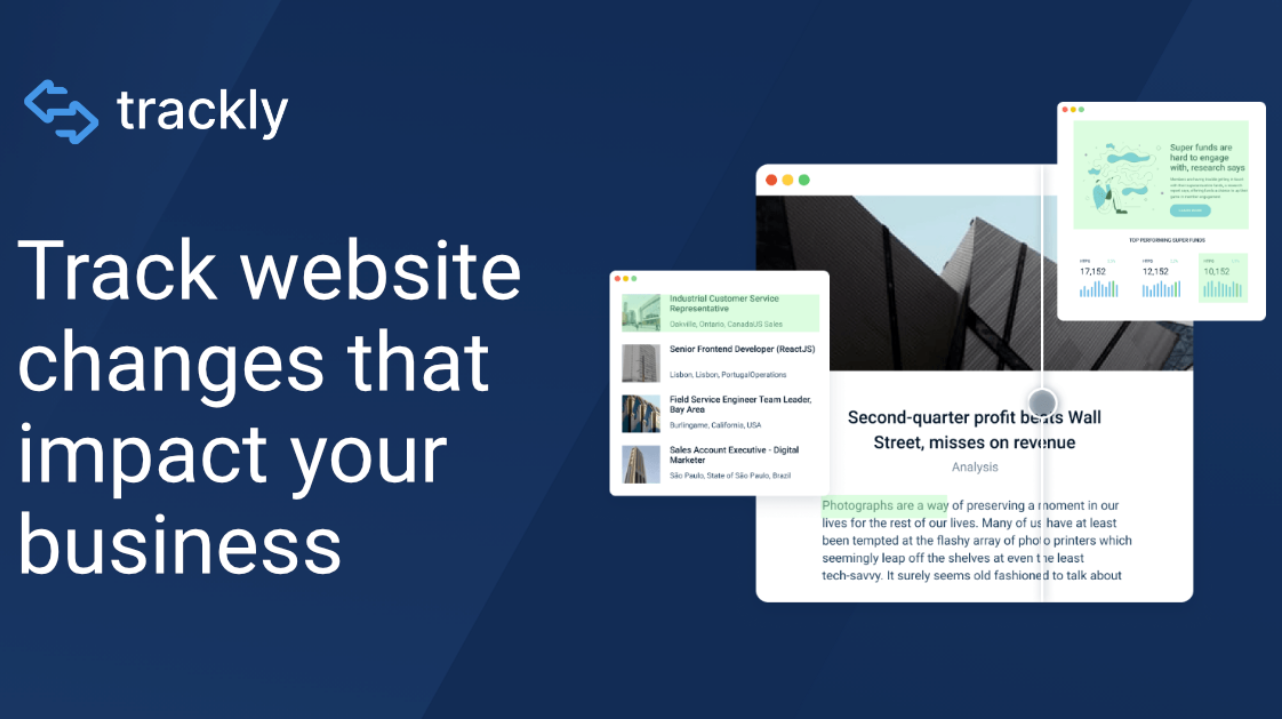
Get clear alerts when web pages change. Maintain a history of tracked pages. Customize frequency, keywords and page section to get the notifications you need.
What to expect from an ideal product
- Set up alerts for changes on any webpage section by selecting the exact area you want to watch
- Get notifications through email or mobile when your tracked content gets updated
- Pick specific keywords to track and only get alerts when those words change
- Choose how often you want to check for updates - hourly, daily, or weekly
- See a timeline of all changes made to your tracked sections, with old and new versions side by side

