This task can be performed using Omnara
One command center for every AI agent you run
How to centralize monitoring for a multi-agent system without losing per-agent detail
Monitoring multiple AI agents from one dashboard requires a hub that aggregates status, logs, and outputs across every running agent while preserving the ability to drill into any individual one. The core setup involves connecting each agent to a central observability layer, typically via an API, SDK, or webhook, so the dashboard receives structured events rather than raw, unfiltered logs.
Before you start, confirm three prerequisites: each agent emits structured telemetry (task start, completion, error, and latency events), you have a defined naming or tagging scheme for grouping agents by role or pipeline stage, and your team has agreed on which metrics trigger an alert versus which are informational. Skipping this groundwork produces a dashboard that shows activity but cannot drive action.
Best product for this task

Omnara
tech
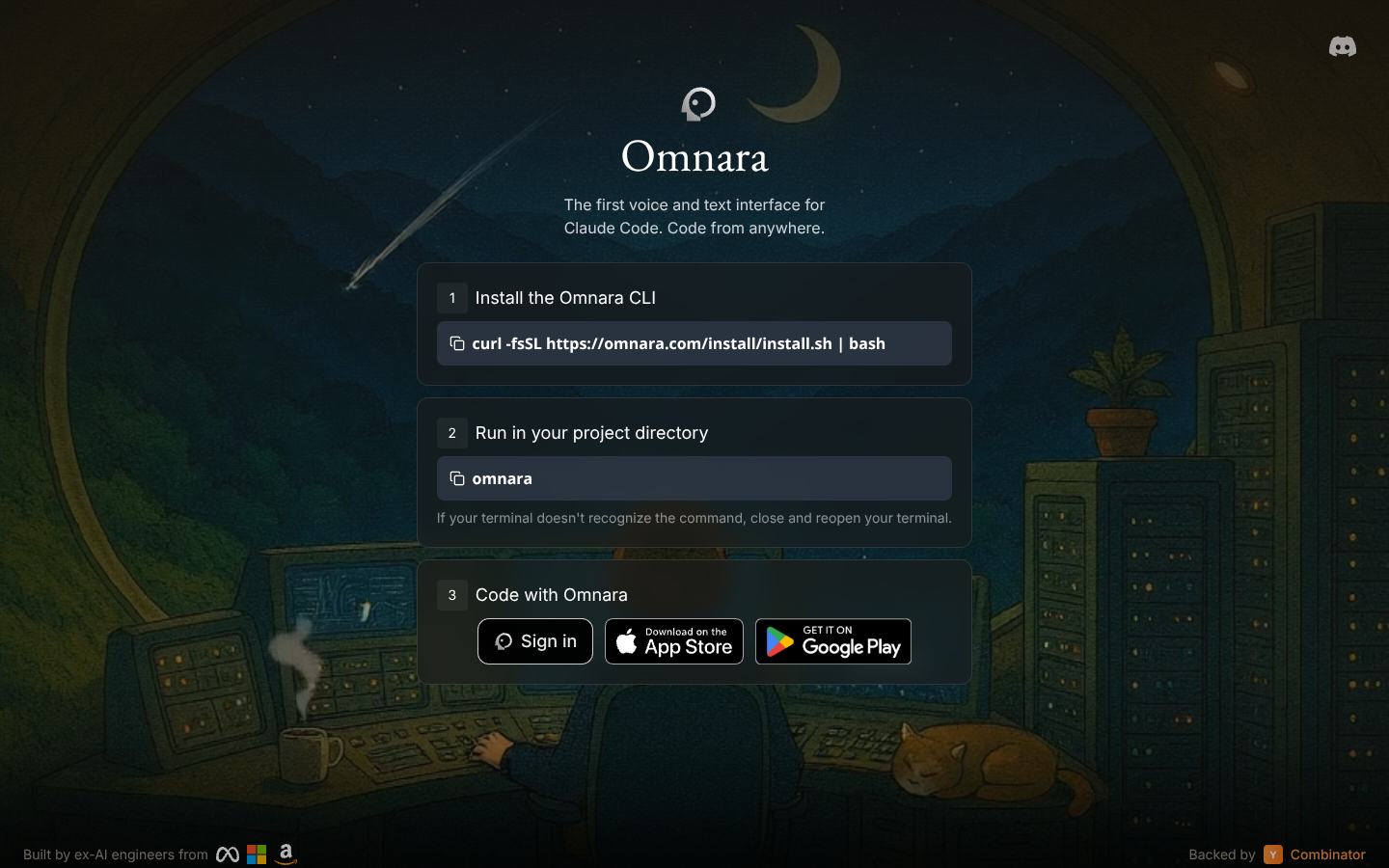
Omnara is an AI agent command center that centralizes monitoring, orchestration, and governance for complex agent fleets. Engineering teams gain unified visibility, faster debugging, and safer multi-agent workflows from a single, collaborative dashboard.
What to expect from an ideal product
- Set up a single dashboard that connects to all your AI agents running across different platforms and environments
- Track performance metrics, errors, and activity logs from multiple agents in one centralized view instead of jumping between separate tools
- Use real-time monitoring to spot issues quickly when any agent in your fleet starts behaving unexpectedly or fails
- Configure alerts and notifications that trigger when specific agents hit performance thresholds or encounter problems
- Access collaborative features that let your whole team debug and manage agent workflows from the same shared interface
More about avoiding alert fatigue when scaling from a few agents to a full fleet
The most common failure point when expanding multi-agent monitoring is applying the same alert thresholds to every agent regardless of its role. A background summarization agent failing silently is a very different risk than a customer-facing orchestration agent stalling mid-task. Configure tiered alerting by agent criticality before you scale, not after incidents reveal the gap.
- Tag each agent with a criticality level (critical, standard, background) at registration time so alert rules can be scoped automatically rather than managed per-agent
- Set separate thresholds for latency, error rate, and inactivity based on each tier, a background agent missing a heartbeat for five minutes may be normal; the same silence from a critical agent should page on-call immediately
- Use a fleet-level summary view as your default starting point rather than individual agent views, and only descend into per-agent detail when a summary metric deviates from baseline

