This task can be performed using Dmux AI
Parallel AI coders, clean git worktrees, effortless merging.
Best product for this task

Dmux AI
dev-tools
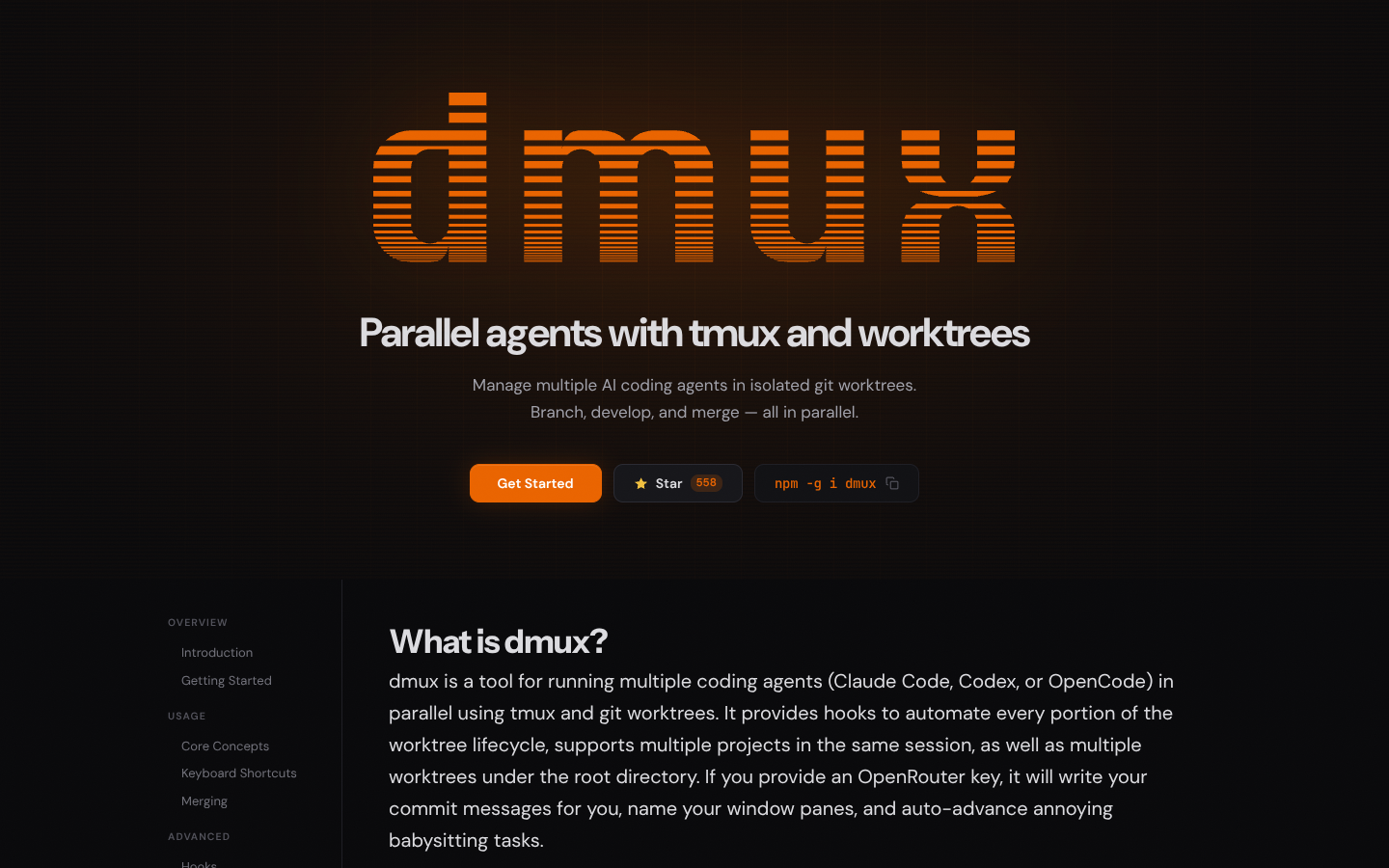
Dmux coordinates multiple AI coding agents in parallel using tmux sessions and isolated git worktrees, so each agent can work on its own branch safely. Developers can branch, iterate, and merge faster while keeping repositories clean and workflows terminal-native.
What to expect from an ideal product
- Use isolated git worktrees to let multiple AI agents work on separate branches without conflicts or repository mess
- Coordinate parallel AI coding sessions through tmux so you can monitor and manage several agents at once from your terminal
- Branch and iterate quickly by spinning up new worktrees for each AI task instead of switching branches constantly
- Merge changes cleanly since each AI agent works in its own space and can't interfere with other ongoing work
- Keep your main repository untouched while AI agents experiment and code in their own sandboxed environments

