This task can be performed using Dmux AI
Parallel AI coders, clean git worktrees, effortless merging.
Best product for this task

Dmux AI
dev-tools
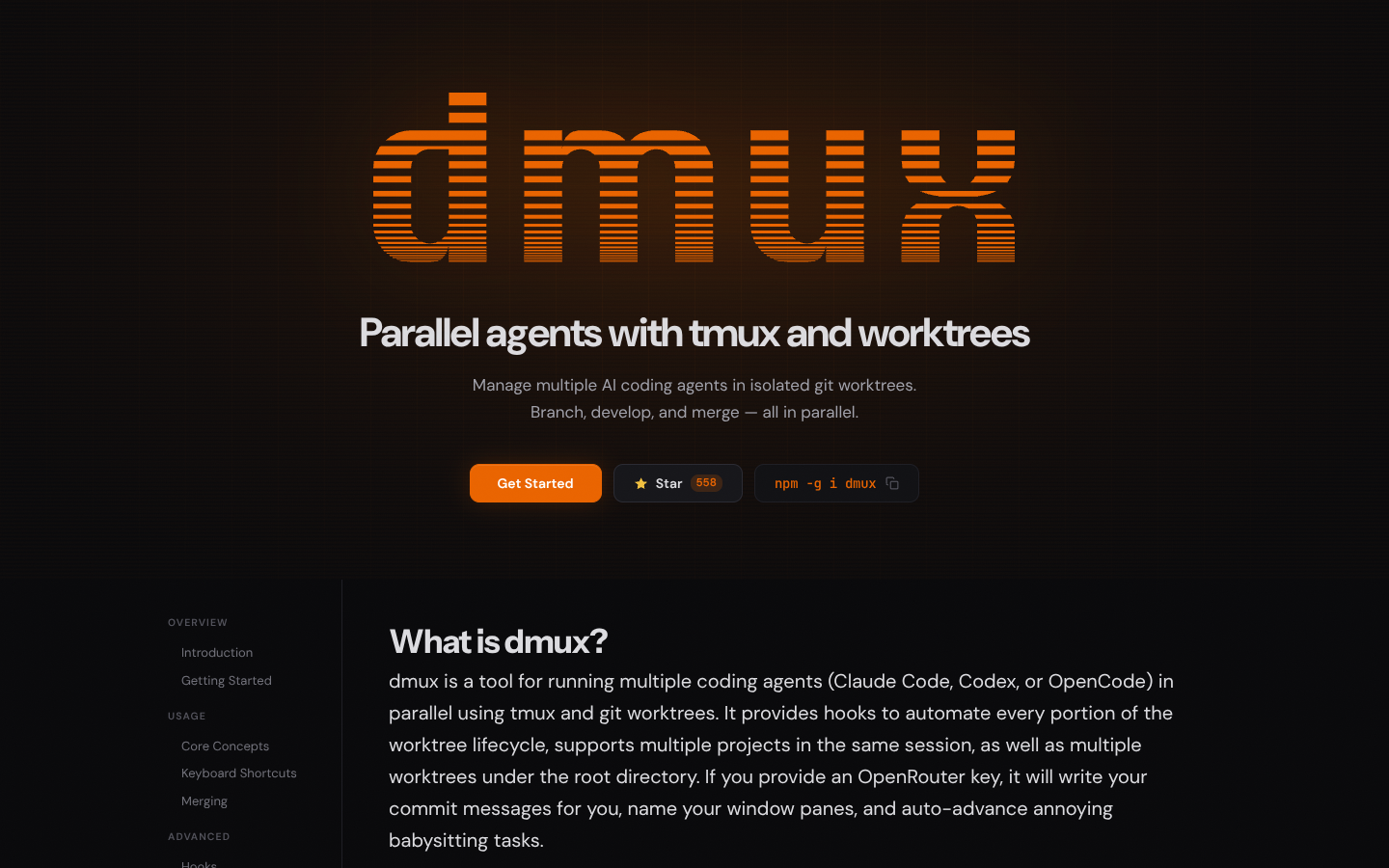
Dmux coordinates multiple AI coding agents in parallel using tmux sessions and isolated git worktrees, so each agent can work on its own branch safely. Developers can branch, iterate, and merge faster while keeping repositories clean and workflows terminal-native.
What to expect from an ideal product
- Uses isolated git worktrees so each AI agent works in its own separate directory without cluttering your main repository with multiple branches and experimental code
- Runs AI coding agents in parallel tmux sessions that keep all the messy intermediate files and processes contained away from your clean working directory
- Lets you quickly test and compare different AI-generated solutions on separate branches before deciding what to merge into your main codebase
- Prevents the common problem of AI assistants creating dozens of temporary files, failed experiments, and half-finished code scattered throughout your repository
- Makes it easy to throw away bad AI suggestions without leaving behind git history pollution since each agent works in its own isolated environment

