This task can be performed using Inflowave
Make every client easier to manage than the last.
Best product for this task

Inflowave
tech
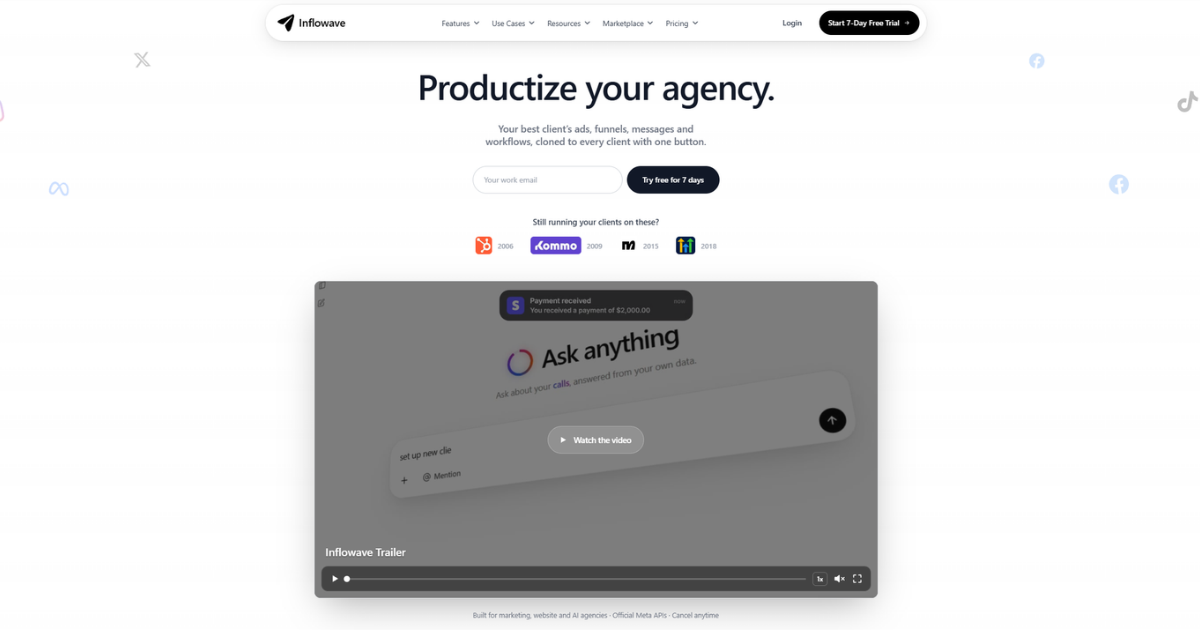
Inflowave helps marketing agencies manage clients, automate repetitive work, and reuse successful sales and marketing systems across their entire client portfolio.
If your team switches between Instagram, Facebook, WhatsApp, SMS, and email for each client, use an agency CRM with unified inbox features to centralize conversations. This guide shows you how to connect channels, separate client workspaces, assign messages, and create follow-up rules so your team can manage client conversations in one inbox.
Prepare your agency inbox structure
Before connecting channels, decide how conversations should be organized.
- Create a dedicated workspace for each client.
- Connect only that client’s accounts to its workspace.
- Define conversation statuses, such as New, Assigned, Waiting, and Closed.
- Choose who owns incoming conversations by channel or service area.
- Write simple response and escalation rules.
Client separation is essential. A shared inbox for marketing agencies should improve visibility without mixing contacts, messages, or permissions between businesses.
Use a short checklist before launch:
- Each client has a separate workspace.
- Instagram, Facebook, WhatsApp, SMS, and email accounts are mapped correctly.
- Team members know which conversations they own.
- Follow-up timing is documented.
- Test messages are ready for every connected channel.
The deciding factor among tech products is whether they support this exact workflow.
Connect every channel to one workspace
An agency CRM with Instagram, WhatsApp, and SMS should reduce channel switching without forcing every client into the same queue.
Connect each channel inside the correct client workspace. Then send a test message from Instagram, Facebook, WhatsApp, SMS, and email. Confirm that each message appears under the right contact and client account.
Check these details:
- The contact record is matched or created correctly.
- The original channel is visible.
- Replies return through the same channel when appropriate.
- Attachments and message history are available to the assigned team.
- Internal notes are separate from client-facing replies.
Inflowave provides a unified inbox for Instagram, Facebook, WhatsApp, email, SMS, and other communication channels. Its separate client workspaces help agencies keep contacts, conversations, pipelines, and workflows organized. If you are comparing platforms, review CRM Software products based on channel coverage, workspace separation, and assignment controls.
Assign, follow up, and review conversations
A multi channel CRM for agencies is useful only when ownership is clear.
For each new conversation:
- Apply a status, such as New or Needs information.
- Assign it to a specific person or team.
- Add a short internal note with context and the next action.
- Set a follow-up reminder if the contact does not respond.
- Close the conversation only after the requested action is complete.
For example, a Facebook lead asking about pricing can be assigned to sales, while an existing customer asking about a campaign can go to the account team. This prevents duplicate replies and makes workload visible.
Use Marketing Automation products when a repeatable action, such as a reminder or lead follow-up, can be handled consistently. Keep human review for sensitive, complex, or high-value conversations.
Avoid common unified inbox mistakes
Teams often create confusion by treating a unified inbox as an unstructured message feed. Avoid these problems:
- Connecting multiple clients to one workspace.
- Assigning messages to a general queue without an owner.
- Using private notes as a substitute for status updates.
- Automating replies before defining escalation rules.
- Closing conversations without recording the next step.
- Assuming one channel contains the complete customer history.
Inflowave combines conversations with CRM records and workflow automation, so agencies can standardize the process without rebuilding it for every account. If your team needs more repeatable routing, review Workflow Automation products.
After setup, test one conversation per channel and verify the client, contact, owner, status, and follow-up date. Then monitor response handling and real conversion data over time rather than assuming the inbox alone improved results.
For a practical next step, see Inflowave and assess whether its client workspaces and unified communication tools fit your agency’s operating model.
More topics related to Inflowave
Similar topics
- How to reuse successful marketing systems across multiple client accounts?
- How to automate client onboarding workflows for a marketing agency?
- Automate Recurring Client Reporting Across Marketing Agency Accounts
- Marketing Agency Client Management Software Alternatives to Spreadsheets
- How to choose a CRM for managing multiple agency clients

