This task can be performed using Inflowave
Make every client easier to manage than the last.
Best product for this task

Inflowave
tech
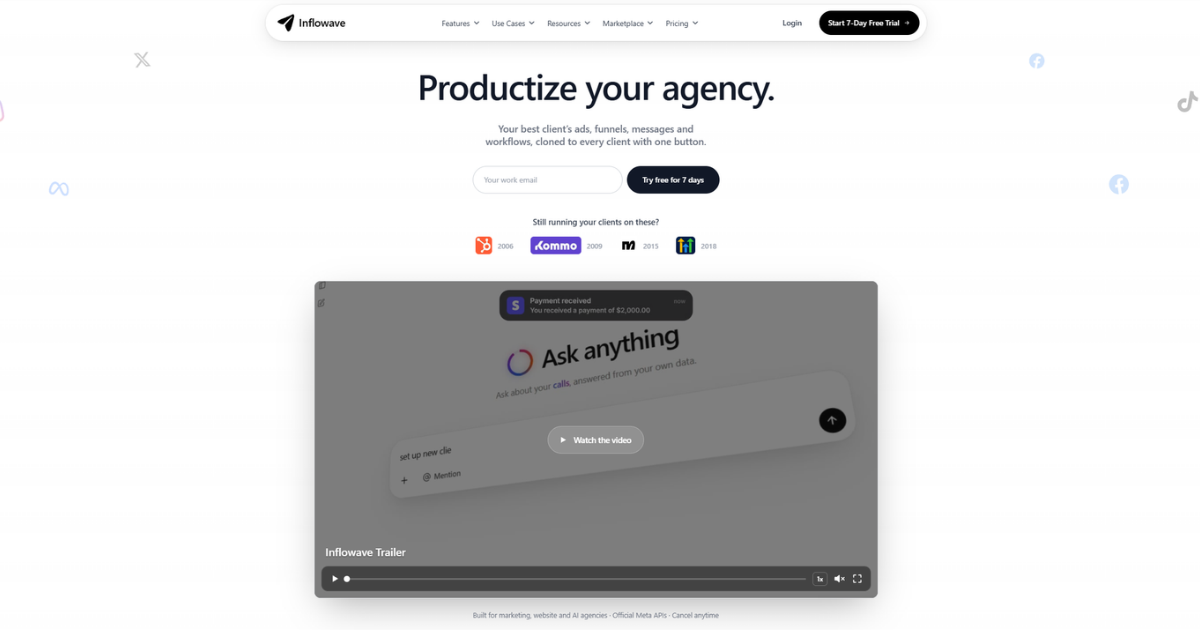
Inflowave helps marketing agencies manage clients, automate repetitive work, and reuse successful sales and marketing systems across their entire client portfolio.
If your agency is adding clients faster than your team can organize them, use this guide to compare agency CRM software. You will define workspace, pipeline, access, automation, and industry requirements, then test whether a platform can support growth without duplicating work.
1. Map your client structure before comparing tools
Start with a simple inventory of how your agency operates:
- List each client, team member, and service.
- Record the contacts, conversations, appointments, campaigns, and pipelines each client needs.
- Note which processes repeat across accounts.
- Mark data that must remain separate between clients.
This reveals whether you need a basic CRM or a multi client CRM for agencies. A suitable system should let each client operate inside a dedicated workspace while agency leadership maintains portfolio-level visibility. The deciding factor among tech products is whether they support this exact workflow.
Look for agency CRM with client workspaces, not merely a CRM with multiple user seats. Confirm that contacts, conversations, workflows, and reporting can be organized by client. Also check whether permissions can limit employees to the accounts they manage.
2. Compare pipelines, permissions, and communication
Next, test the operational essentials. Ask vendors to demonstrate these scenarios using realistic client examples:
- Create separate sales pipelines for two businesses.
- Assign leads to different account teams.
- Search one client’s records without exposing another client’s data.
- Manage email, SMS, social, and other conversations from one inbox.
- Schedule appointments and track follow-up activity.
- View client-specific performance without losing agency oversight.
This is the core difference between general CRM software and client management software for marketing agencies. A platform should reduce account switching, not simply store more records.
Check whether the system supports the channels your team actually uses. For example, Inflowave provides a unified inbox for Instagram, Facebook, WhatsApp, email, and SMS. That may be useful for agencies that need one place to manage conversations across several client businesses.
For access control, create a checklist:
- Separate client workspaces
- Role-based team access
- Client-specific pipelines
- Lead assignment
- Conversation history
- Agency-level administration
You can also compare the broader CRM software category when assessing core contact and pipeline capabilities.
3. Evaluate automation and industry fit
The best CRM for managing marketing clients should support repeatable operations without forcing your team to rebuild every process. Ask whether you can create workflows for lead qualification, reminders, follow-ups, and onboarding. Keep the evaluation focused on requirements, since detailed onboarding automation is a separate implementation task.
Then assess fit by agency type:
- CRM for social media agencies: Check social conversation management, lead capture, and content-related coordination.
- CRM for AI automation agencies: Check workflow flexibility, AI assistance, and connections to operational tools.
- CRM for lead generation agencies: Check form capture, lead routing, pipeline stages, and appointment tracking.
Prioritize marketing automation products when repetitive lead and follow-up work is a major requirement. Also confirm whether successful workflows can be adapted across accounts. Inflowave is designed for agencies to reuse sales and marketing systems across their client portfolio, while keeping each client’s records in its own workspace.
4. Run a practical trial before choosing
Do not select a platform from a feature list alone. Build a small test using two fictional or low-risk client accounts:
- Create both workspaces.
- Import a few contacts.
- Build separate pipelines.
- Add team permissions.
- Connect representative communication channels.
- Duplicate one workflow and adapt it for the second client.
- Ask an employee to complete common daily tasks.
Record how many steps each task requires and where confusion occurs. Review migration assistance and custom buildout options if you are replacing an existing system. Inflowave offers migration assistance and custom system buildouts for agencies changing platforms.
More topics related to Inflowave
Similar topics
- How to reuse successful marketing systems across multiple client accounts?
- How to automate client onboarding workflows for a marketing agency?
- Automate Recurring Client Reporting Across Marketing Agency Accounts
- Marketing Agency Client Management Software Alternatives to Spreadsheets
- How to manage every client conversation in one agency inbox

