This task can be performed using AgentCraft
Orchestrate async AI agents effortlessly, with joyfully simple control
Best product for this task
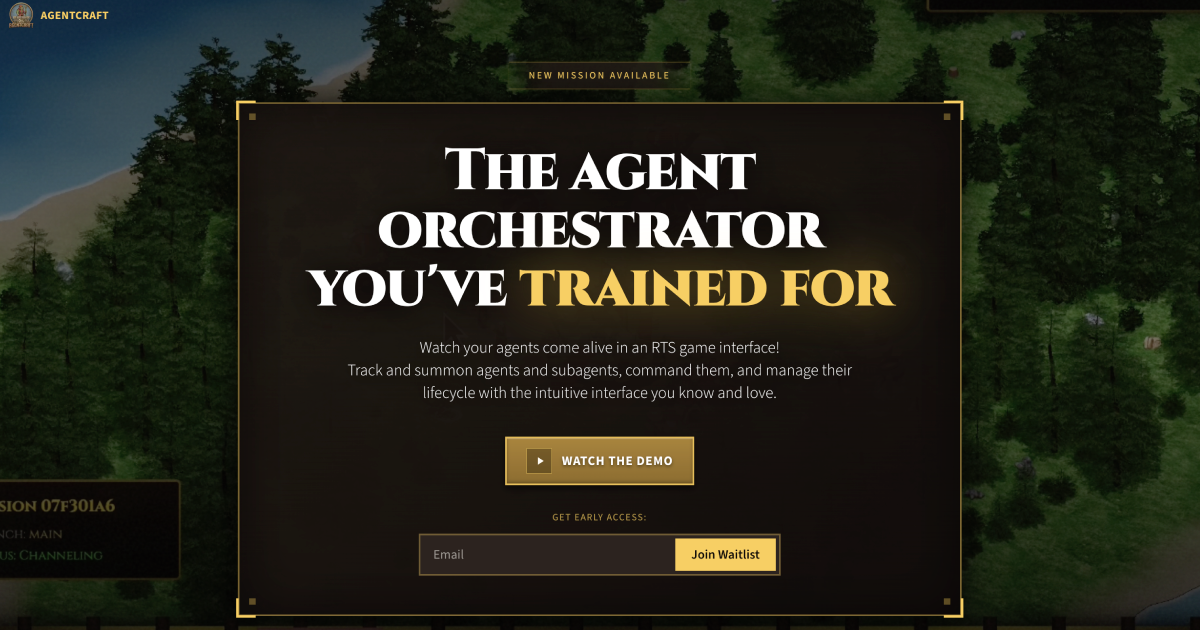
AgentCraft is an RTS-inspired interface for orchestrating Claude Code AI agents, giving you a single pane of glass to track, command, and manage asynchronous tasks. It turns complex multi-agent workflows into an interactive, map-based control experience that’s both powerful and intuitive.
What to expect from an ideal product
- Drag and drop AI agents on a visual map instead of writing complex async code to coordinate multiple tasks
- Monitor all your running AI workflows from one dashboard rather than juggling terminal windows and log files
- Click to pause, resume, or redirect agent tasks in real-time without diving into code repositories
- Connect agent outputs and inputs visually by drawing lines between nodes instead of managing API calls and data pipelines
- Set up conditional workflows and branching logic through simple point-and-click actions rather than nested if-statements and error handling

