This task can be performed using Toggle for OpenClaw
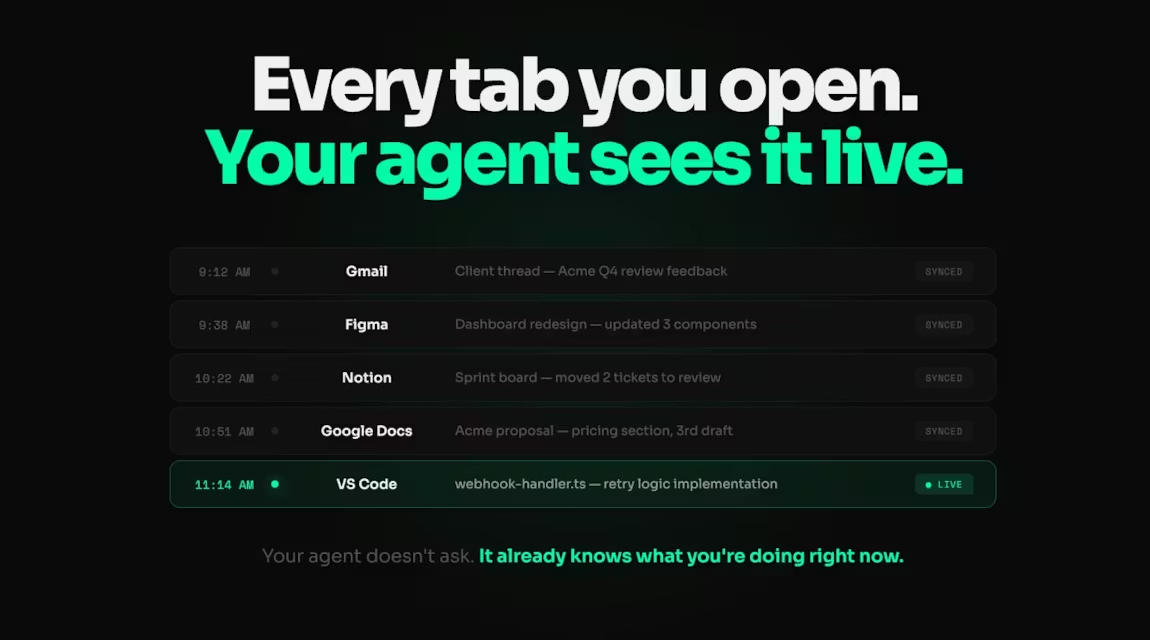
Your browser activity, streamed to your agent in real time
Best product for this task

The context layer for OpenClaw. Your AI agent finally knows what you've been working on. ToggleX streams structured work context from your browser to your agent — projects, sessions, decisions, intent. Same agent, same prompt, completely different output. No more re-explaining yourself. No stale estimates. Your Claw starts every session knowing exactly where you left off. 5 min setup. 30-day free trial. No card required. Use promo code.
What to expect from an ideal product
- Toggle for OpenClaw automatically captures your browser activity and sends it directly to your AI agent so you never have to repeat what you were working on
- The system tracks your projects, decisions, and work sessions in the background, giving your agent full context about your previous browser activities without any manual input
- Your AI agent receives structured data about your work patterns and intentions, allowing it to pick up exactly where you left off in any new conversation
- The real-time streaming means your agent always has fresh information about your current and past browser sessions, eliminating the need to re-explain your workflow
- Setup takes just 5 minutes to connect your browser to your agent, creating an automatic memory system that runs continuously in the background

