This task can be performed using Visual Copilot
AI-powered design-to-code tool by Builder.io
Best product for this task

Visual Copilot
dev-tools
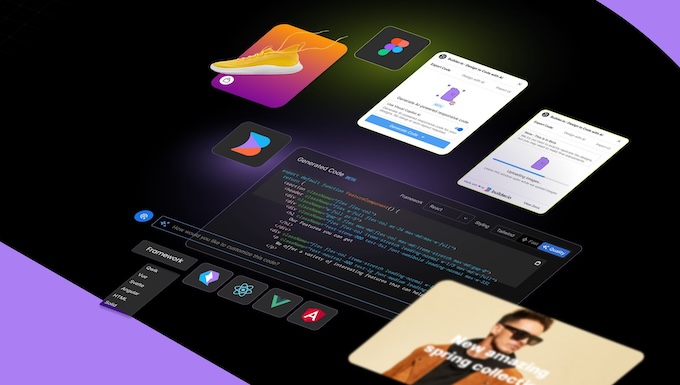
Builder.io's Visual Copilot is an AI-enabled design-to-code tool that helps digital teams automatically turn Figma designs into code that's as clean, semantic, and accessible as the code a developer would have written themselves. Unlike other design-to-code tools, it automatically makes designs responsive, lets you chat to iterate the code with AI, and generates code that leverages your existing components when you have them.
What to expect from an ideal product
- Turns your Figma designs straight into mobile-friendly code without writing it yourself
- Smartly makes everything responsive by understanding your design's layout and scaling
- Lets you tweak the generated code through simple chat messages
- Matches your existing component library so everything stays consistent
- Creates clean, accessible code that works across all screen sizes, just like a developer would write

