This task can be performed using Teemux
Teemux: Where teams sync faster, collaborate smarter, build better
Best product for this task

Teemux
mcp
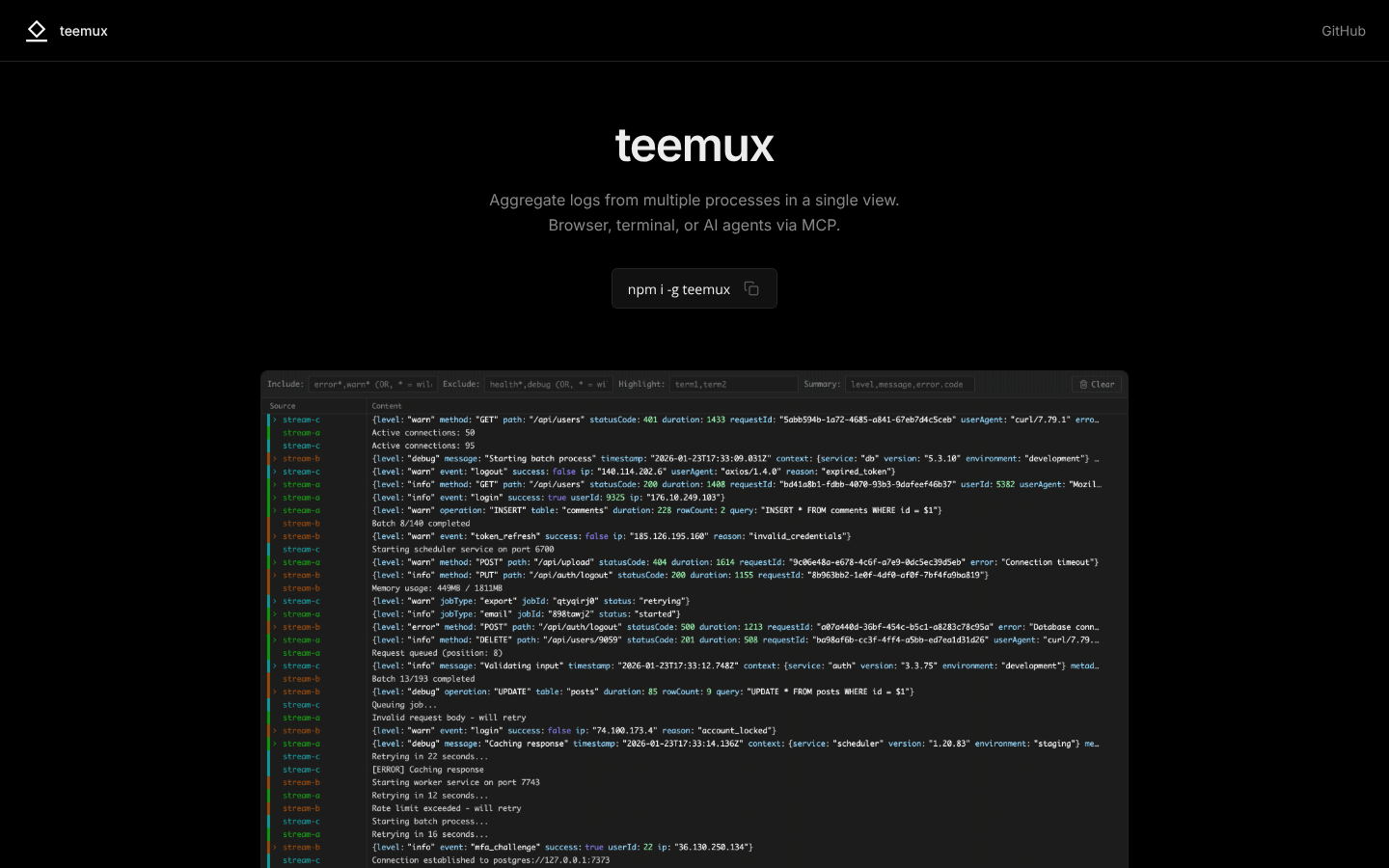
Teemux aggregates logs from multiple processes into one live, filterable view, accessible via browser, curl, or MCP. It enables persistent, AI-friendly log access without restarting services, simplifying multi-process debugging and monitoring.
What to expect from an ideal product
- Teemux pulls logs from all your running processes into one browser window, so AI tools can grab everything they need without jumping between different log files
- The filterable view lets you narrow down logs to specific timeframes or error types before feeding them to AI analysis tools, cutting through the noise
- Browser and curl access means AI tools can fetch logs directly through simple HTTP requests without needing special database connections or file system access
- Logs stay available even when services restart or crash, giving AI tools consistent access to historical data for pattern detection and root cause analysis
- The live streaming feature ensures AI monitoring tools get real-time log data as problems happen, enabling faster automated responses to issues

