This task can be performed using Cowboy Shooter
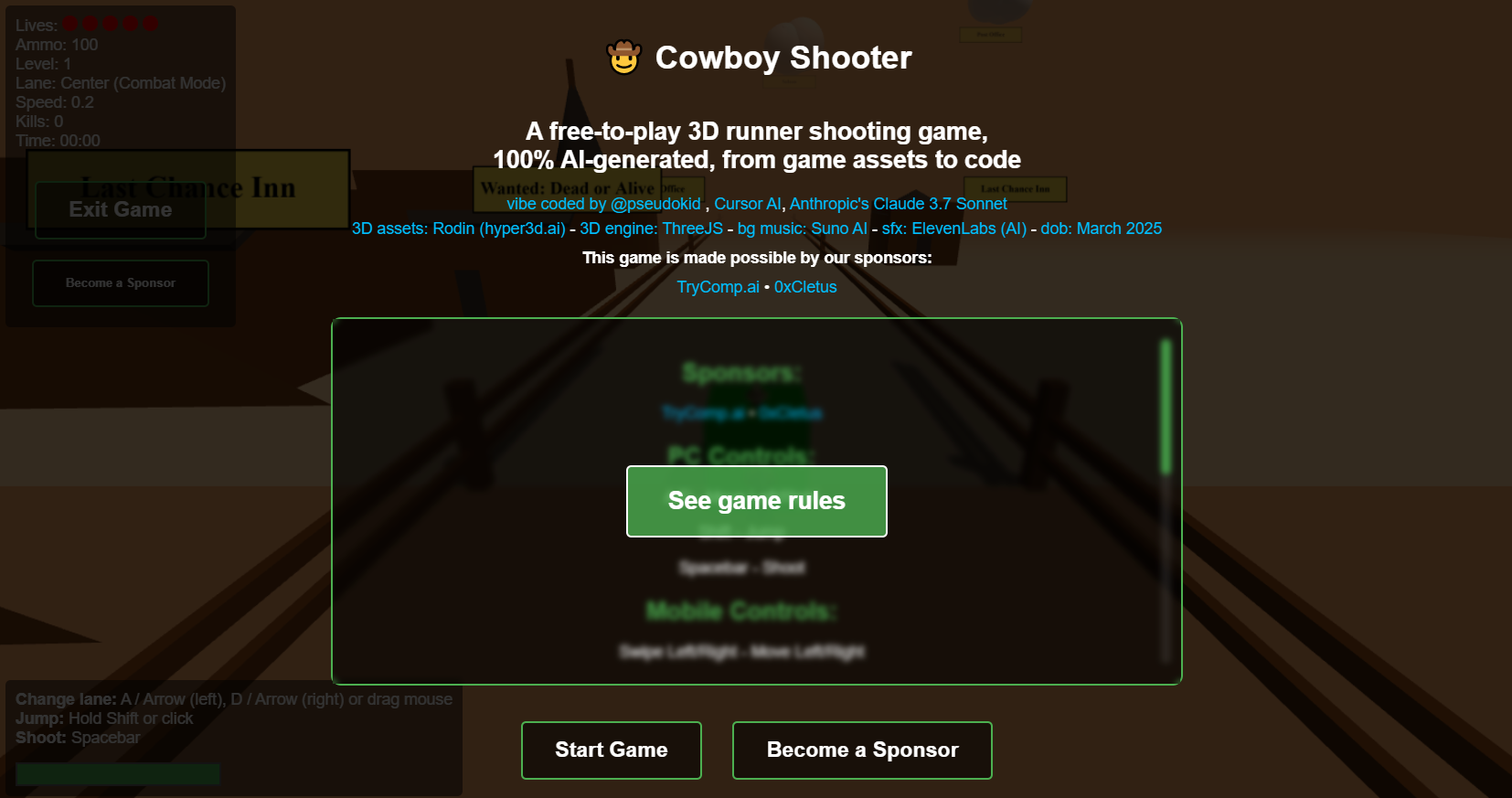
A free-to-play 3D runner shooting game, 100% AI-generated, from game assets to code
Best product for this task

A free-to-play 3D runner shooting game, 100% AI-generated, from game assets to code vibe coded by @pseudokid , Cursor AI, Anthropic's Claude 3.7 Sonnet 3D assets: Rodin (hyper3d.ai) - 3D engine: ThreeJS - bg music: Suno AI - sfx: ElevenLabs (AI) - dob: March 2025
What to expect from an ideal product
- Uses Suno AI to create custom background music that fits the Wild West theme and game pace
- Leverages ElevenLabs for realistic gunshot sounds, horse galloping, and other Western-style effects
- Loads audio files asynchronously to prevent game lag and ensure smooth playback during action scenes
- Implements dynamic sound mixing where music volume lowers when sound effects play
- Creates responsive audio triggers tied to player actions like shooting, jumping, and collecting items

