This task can be performed using Sitely 6
The Visual + AI Website builder for macOS
Best product for this task
Sitely 6
no-code
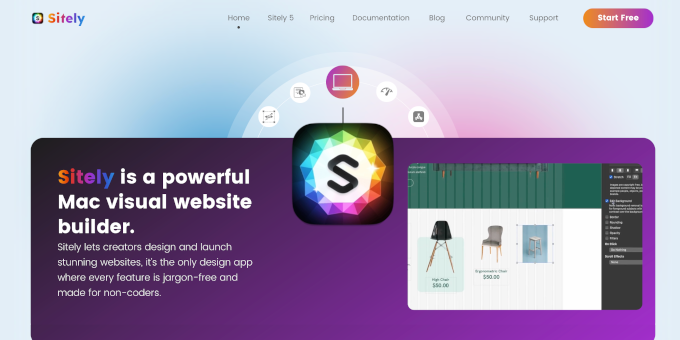
Sitely 6 is our latest and best release. Building a stunning website has never been easier. Anyone can create a professional website in minutes using the AI-powered generator, Figma/Sketch plugins or the enhanced importer. With a super intuitive UI and the power of a native macOS App.
What to expect from an ideal product
- Sitely 6 lets you import an existing website directly on macOS without starting from scratch, saving hours of rebuild time.
- The enhanced importer pulls in your current site structure so you can redesign and launch faster using a native Mac app.
- No need to hand-code or hire a developer, the visual editor lets you tweak every imported element with simple drag and drop controls.
- Once imported, you can layer in AI-generated content or connect Figma and Sketch assets to modernize the site on your own terms.
- Sitely 6 runs natively on macOS, so the import process stays smooth, responsive, and free from browser-based slowdowns or sync issues.

