This task can be performed using Promptsion
Your Browser but 100x Smarter with an AI Search Assistant
Best product for this task
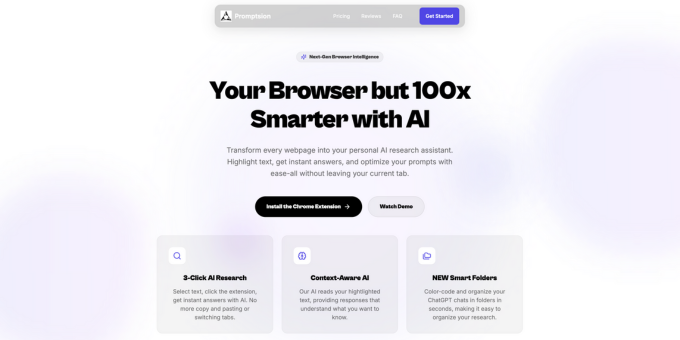
Promptsion eliminates the hassle of switching tabs or copying text. It's a powerful Chrome extension that allows you to get instant answers with AI and optimize your prompts directly within your tab. It uses your highlighted text on the webpage as context for better, clearer results, so no more copying and pasting into ChatGPT.
AI-Powered AssistantChrome ExtensionPrompt OptimizationChatGPT IntegrationAI Research ToolProductivity BoosterContext-Aware AIBrowser IntelligenceTab ManagementAI Prompt Engineering
What to expect from an ideal product
- Highlight any text on a webpage and get an instant AI answer without opening a new tab or touching ChatGPT
- Promptsion uses your selected text as context, so the answers you get are specific to what you are reading, not generic
- No more copying, switching tabs, pasting, and losing your place. The answer appears right where you are working
- Built as a Chrome extension, Promptsion fits into your existing browsing habit instead of adding a new tool to your workflow
- Whether you are researching, studying, or fact-checking, you get faster answers tied directly to the source content on the page

