This task can be performed using ImgBulk
MgBulk is a Bulk AI Image Generator for creating and editing hundreds of images in one organized batch.
Best product for this task

ImgBulk
tech
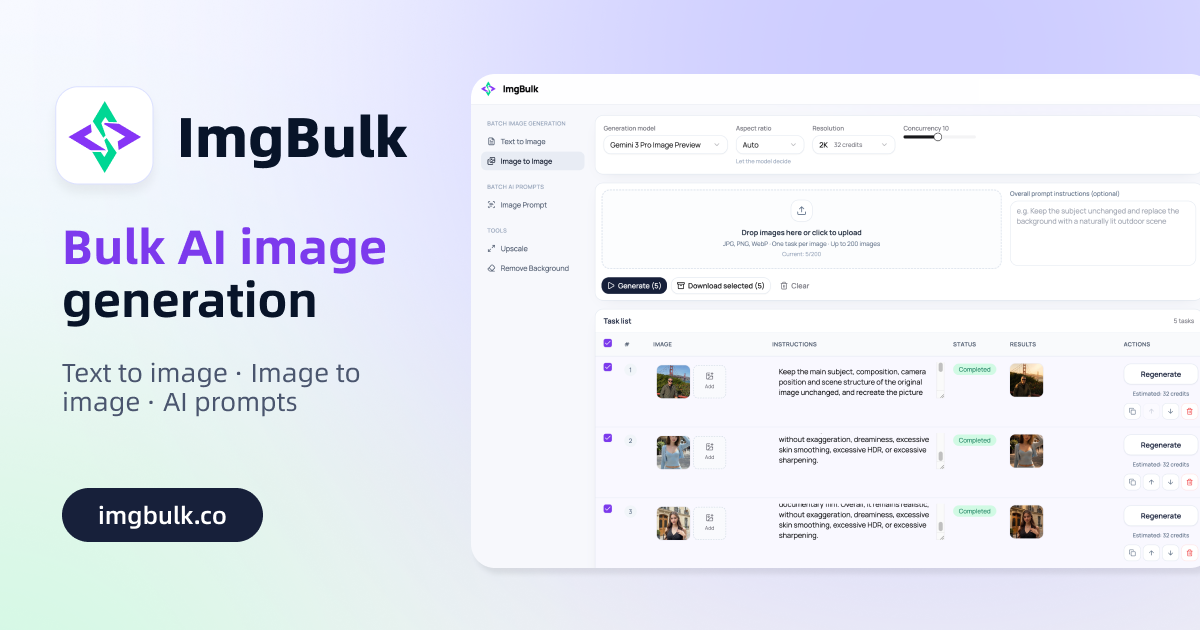
MgBulk is a Bulk AI Image Generator for creating and editing hundreds of images in one organized batch, with different prompts, multiple AI models, CSV/Excel import, task tracking, retries, and bulk downloads.
What to expect from an ideal product
- Upload a CSV or Excel file with hundreds of rows, each with its own prompt, and ImgBulk sends them all to your chosen AI model without you babysitting the queue.
- Switch between multiple AI models inside the same batch so you can test outputs side by side without running separate jobs.
- Failed generations do not kill your whole batch. ImgBulk tracks each task individually and lets you retry only the ones that did not go through.
- When your batch is done, download all images at once instead of clicking through hundreds of individual export buttons.
- Built for designers, marketers, and developers who need to produce large volumes of unique images on a repeatable, structured schedule.

