This task can be performed using SuperDev Pro
16 Tools in 1 Browser Extension for Chrome & Firefox
Best product for this task

SuperDev Pro
tech
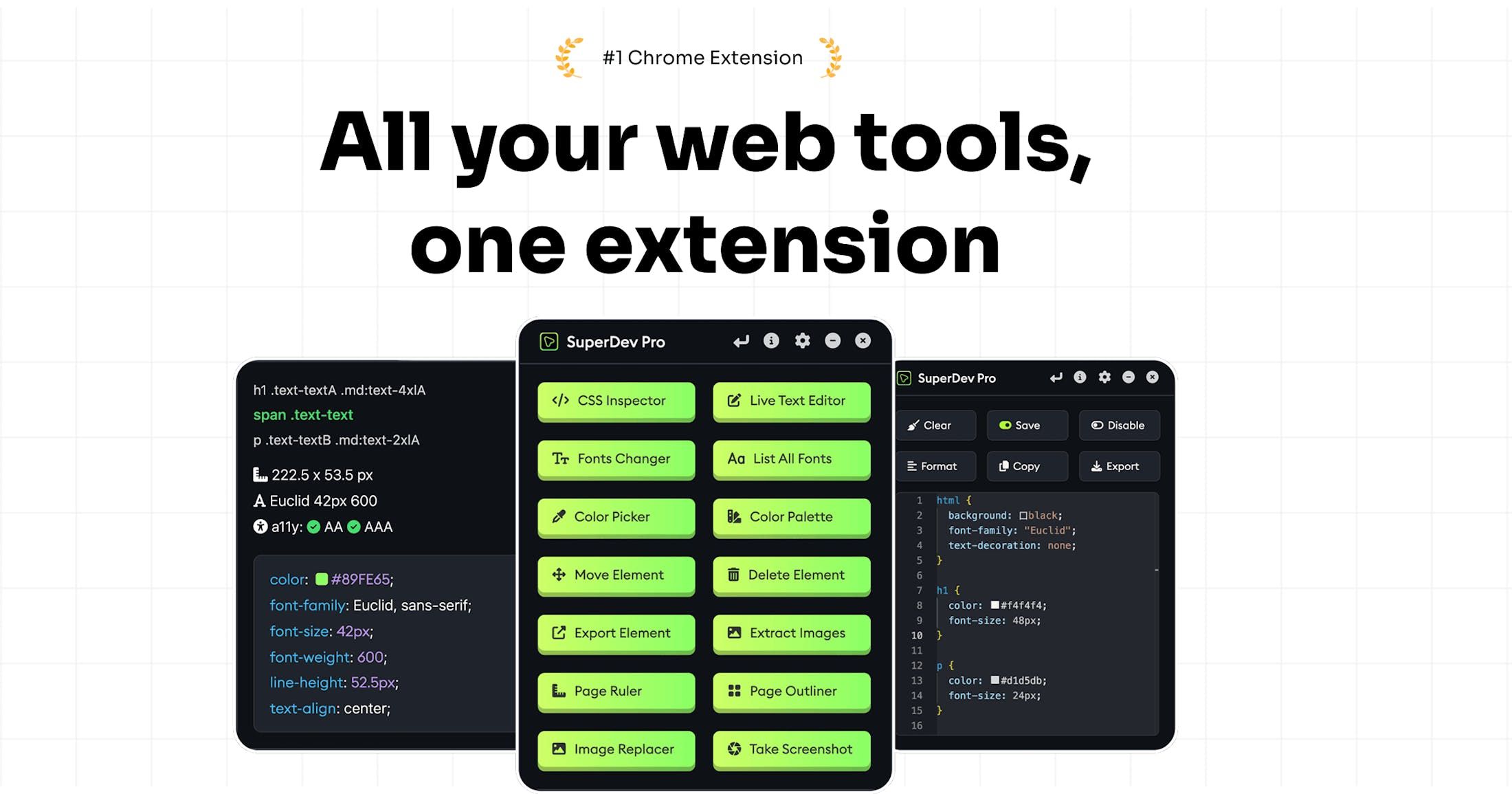
One extension, 16 tools. Inspect CSS, edit text, change fonts, pick colors, extract images, and more—built for designers & developers on Chrome and Firefox.
What to expect from an ideal product
- Grab any image from a website with one click using the built-in image extraction tool that finds and saves all visual elements instantly
- Pick exact colors from any webpage element by hovering over it with the color picker tool to match your design palette perfectly
- Inspect CSS properties of images and color schemes directly on the page to understand how other sites achieve their visual effects
- Extract multiple images at once from any website without right-clicking or saving individually, making it faster to gather design inspiration
- Copy hex codes and RGB values instantly from any text, background, or design element you see while browsing for your own projects

