This task can be performed using Exportmymap
Export Google Maps Saved lists in a few clicks
Best product for this task

Exportmymap
productivity
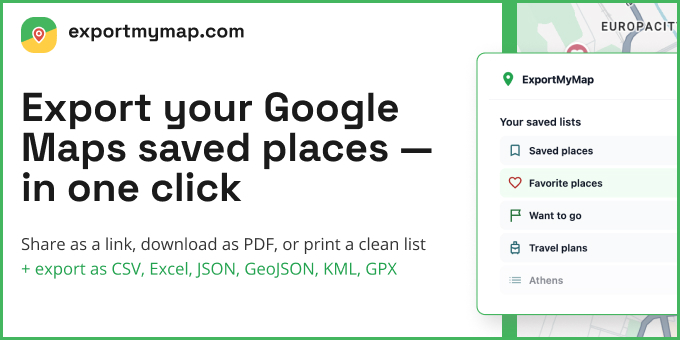
Export your Google Maps saved places to CSV, JSON, GPX, KML, GeoJSON, and more. Simple subscription pricing - no limits on places or lists.
What to expect from an ideal product
- Exportmymap connects directly to your Google Maps account and pulls all your saved places with one click instead of manually copying each location
- The tool converts your saved lists into CSV format automatically, so you get a spreadsheet-ready file without any technical work on your part
- You can export multiple saved lists at once rather than going through each list separately, saving hours of repetitive work
- All your place details like names, addresses, ratings, and notes get preserved in the CSV file exactly as they appear in Google Maps
- The exported CSV file opens in Excel or Google Sheets right away, making it easy to sort, filter, or share your saved places with others

