This task can be performed using Exportmymap
Export Google Maps Saved lists in a few clicks
Best product for this task

Exportmymap
productivity
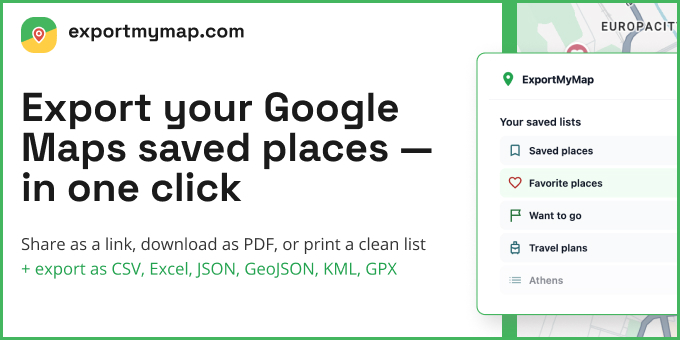
Export your Google Maps saved places to CSV, JSON, GPX, KML, GeoJSON, and more. Simple subscription pricing - no limits on places or lists.
What to expect from an ideal product
- Click a few buttons to export all your Google Maps saved places directly to JSON format without any technical setup
- Download your complete saved locations list as a clean JSON file that keeps all the important details like names, addresses, and coordinates
- No need to manually copy-paste or write code - the tool handles the entire backup process automatically
- Works with unlimited saved places and lists, so you can backup everything at once regardless of how many locations you've saved over the years
- Gets your data in proper JSON structure that you can easily use with other apps, import elsewhere, or just keep as a reliable backup

