This task can be performed using TurboStyle
Visual editor for any website
Best product for this task

TurboStyle
dev-tools
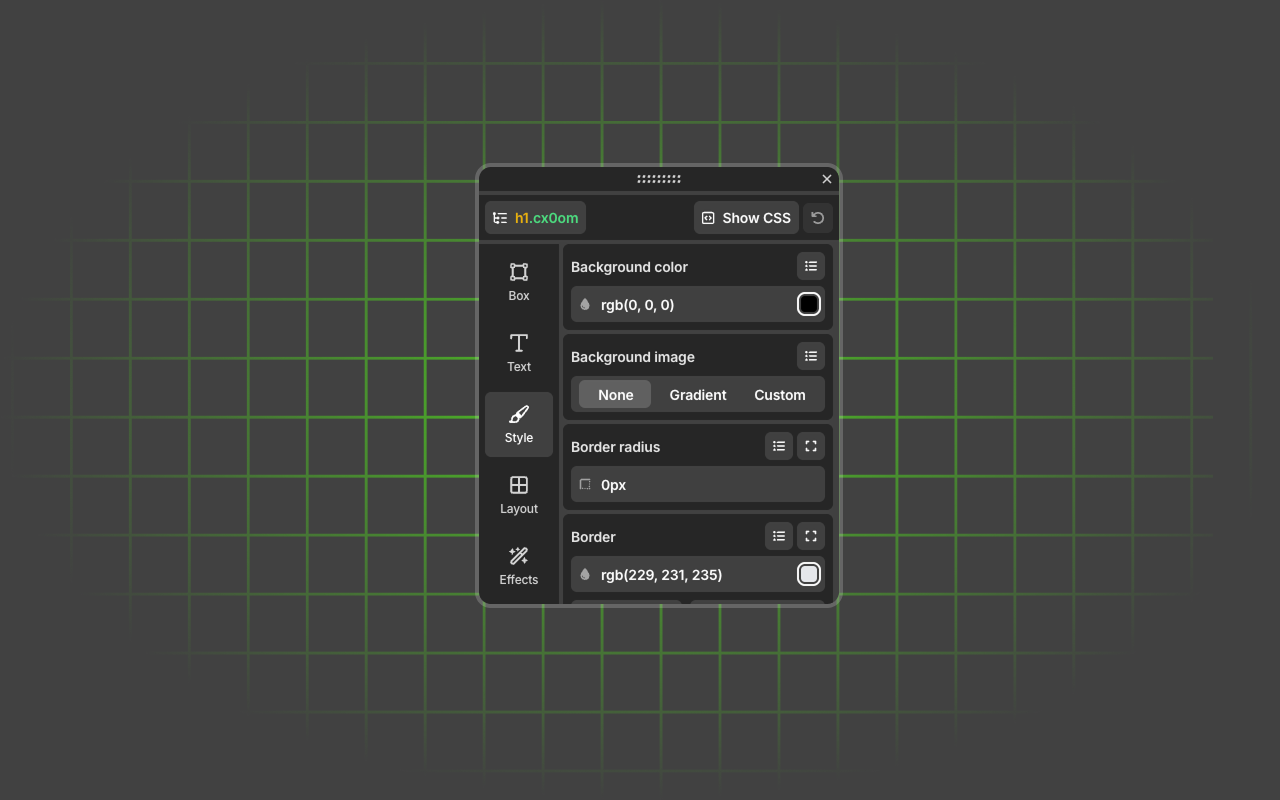
Effortlessly adjust styles, update text, swap visuals, and explore design ideas — right inside your browser. No setup needed.
What to expect from an ideal product
- Open any website in your browser and start editing styles instantly with TurboStyle's point-and-click interface
- Change colors, fonts, spacing, and layouts by simply selecting elements on the page without touching any code
- Update text content and swap images directly on the live website using the built-in visual tools
- Test different design variations in real-time to see exactly how changes will look before applying them
- Make professional-looking style adjustments with zero technical skills since everything works through simple drag-and-drop actions

