This task can be performed using MakeMyReceipt
The easiest way to receipts for your small business.
Best product for this task

MakeMyReceipt
accounting
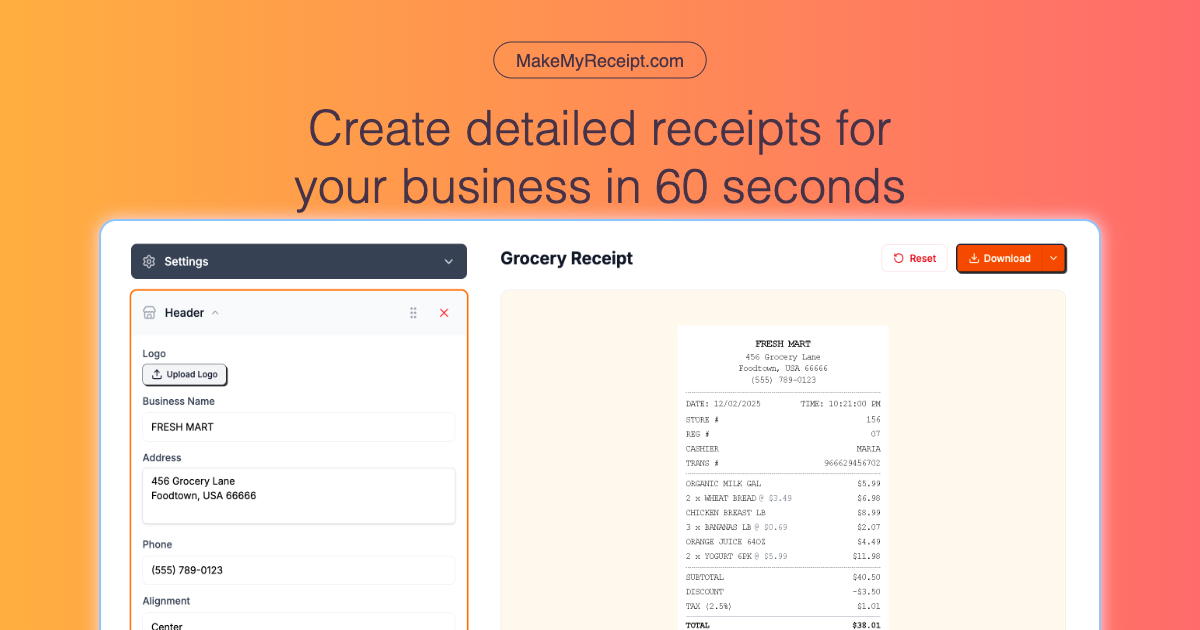
Create customizable, branded receipts with easy-to-use builder. Add your logo, customise line items, and export to any format that matches your accounting needs. Perfect for bookkeeping, invoicing, and expense tracking!
What to expect from an ideal product
- Upload your business logo directly into the receipt builder and position it exactly where you want it to appear on every receipt
- Choose from different color schemes and fonts that match your brand identity to keep all receipts looking professional and consistent
- Customize the header and footer sections with your business name, contact details, and any special messages or terms you want customers to see
- Add your brand colors to borders, backgrounds, and text elements so receipts feel like a natural extension of your business materials
- Save your branded template once and reuse it for all future receipts, ensuring every customer interaction reinforces your business image

