This task can be performed using Trails
The easiest way to document your process
Best product for this task

Trails
hr-tools
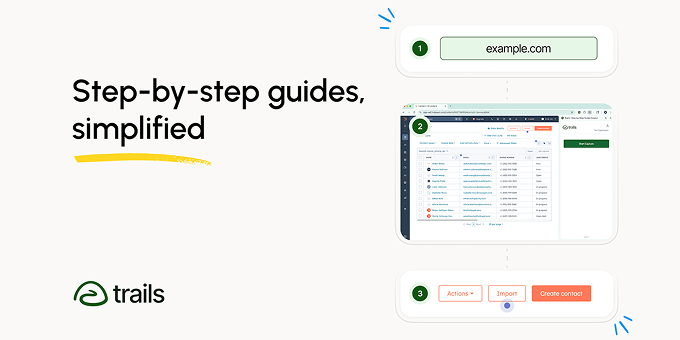
Trails makes it simple for anyone to build a step-by-step guide. No copying and pasting screenshots - just record your process and out comes a beautiful guide.
BusinessSupportProductivitySOP SoftwareProcess Documentation SoftwareTraining Documentation ToolWorkflow Documentation SoftwareStep by Step Guide CreatorManual Creation SoftwareStep by Step Tutorial Maker
What to expect from an ideal product
- Record your screen while performing the task and Trails automatically captures each step without you having to manually take screenshots
- The software identifies key actions and clicks during your recording to create structured guide steps on its own
- Edit and rearrange the auto-generated steps using simple drag-and-drop tools instead of hunting for the right screenshots
- Add text descriptions and annotations to each step while the visual elements are already captured and organized
- Export your finished guide in multiple formats with all images and formatting handled automatically by the platform

