This task can be performed using Screen Charm
Create screen recordings with zoom effects in minutes
Best product for this task

Screen Charm
tech
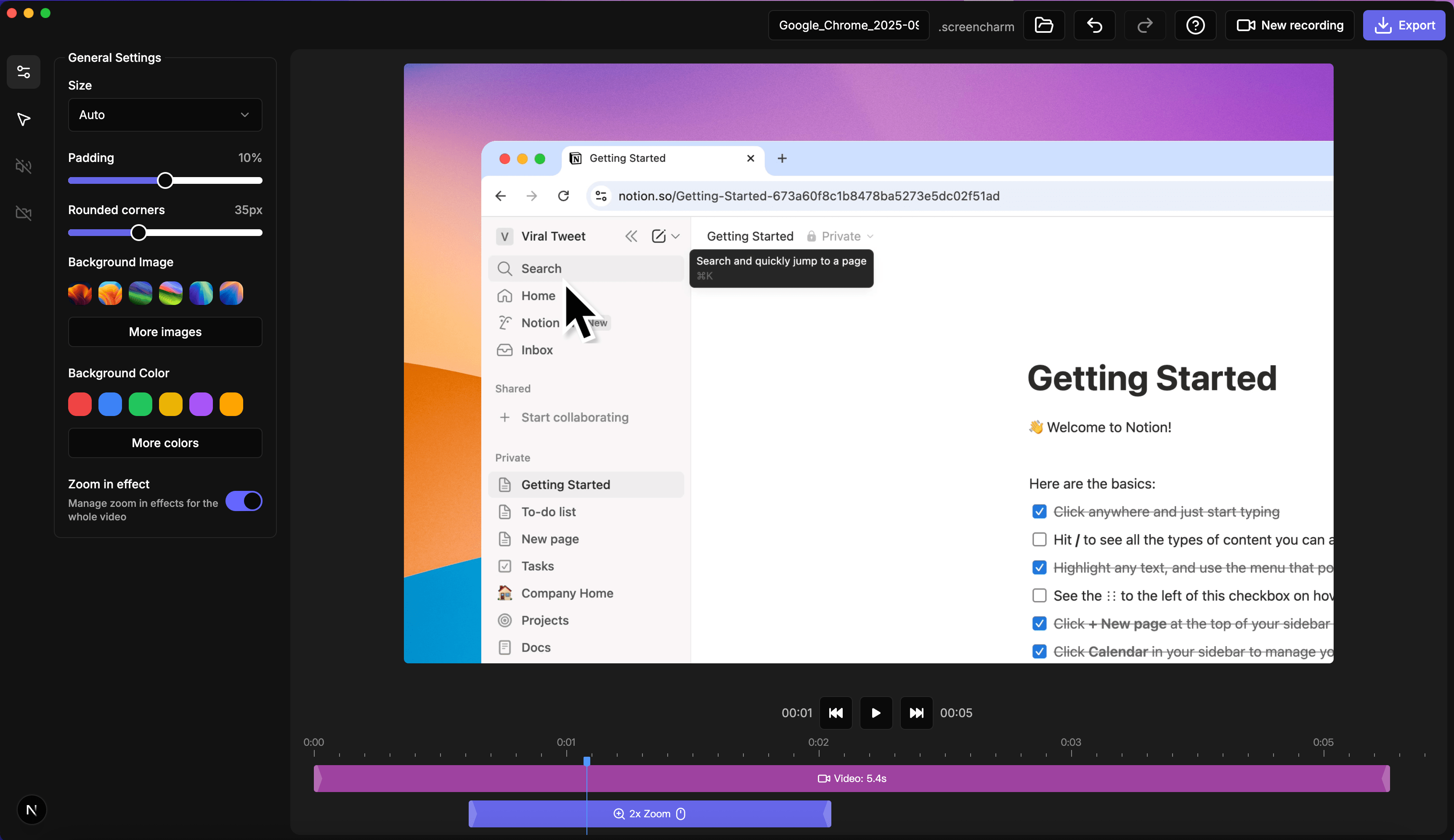
Screen Charm is a macOS screen recording app for polished demos, tutorials, and training videos. It offers smart auto-zoom, cursor tracking with customizable styles, and webcam overlays with custom or preset backgrounds. A built-in editor lets you trim, adjust zooms, and tweak exports without extra tools. Recording is free, and a one-time payment unlocks unlimited 4K UHD exports.
What to expect from an ideal product
- Records your screen while adding a webcam overlay that automatically adjusts size and position as you navigate between different apps and windows
- Lets you choose from ready-made backgrounds or upload your own custom images to replace your messy room or create a branded look
- Tracks your cursor movements and highlights clicks with customizable pointer styles so viewers can easily follow along with your demonstrations
- Includes a built-in editor where you can trim unwanted sections, fine-tune the auto-zoom settings, and export your finished video without switching to another program
- Exports videos in crisp 4K quality that looks professional on any platform, from YouTube tutorials to corporate training materials

