This task can be performed using Pagerly
Operations Co-pilot on Slack/Teams
Best product for this task

Pagerly
dev-tools
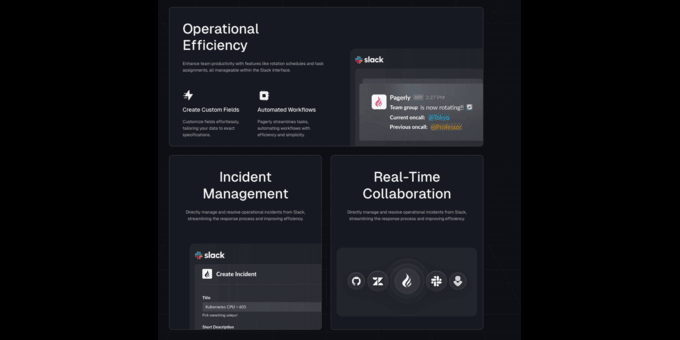
Pagerly helps you to manage Tickets , Oncalls, Rotations , Alerts on Slack and Teams Sync Oncalls with Slack Usergroup You can Create own rotation Create Tickets with Emojis Unlimited Incidents, Unlimted Users in Incident Bot Manage Jira / Incidents / Tickets in Single Channel
What to expect from an ideal product
- React with a ticket emoji (🎫) to any Slack message to instantly create an incident ticket
- Customize ticket templates and workflows based on different emoji reactions
- Track and update ticket status directly within Slack using emoji shortcuts
- Keep all team communication in one place by managing tickets without leaving Slack
- Tag team members and update incident details using simple emoji reactions in the thread

