This task can be performed using Fastmarkdown
Markdwon in 5minutes
Best product for this task
Fastmarkdown
no-code
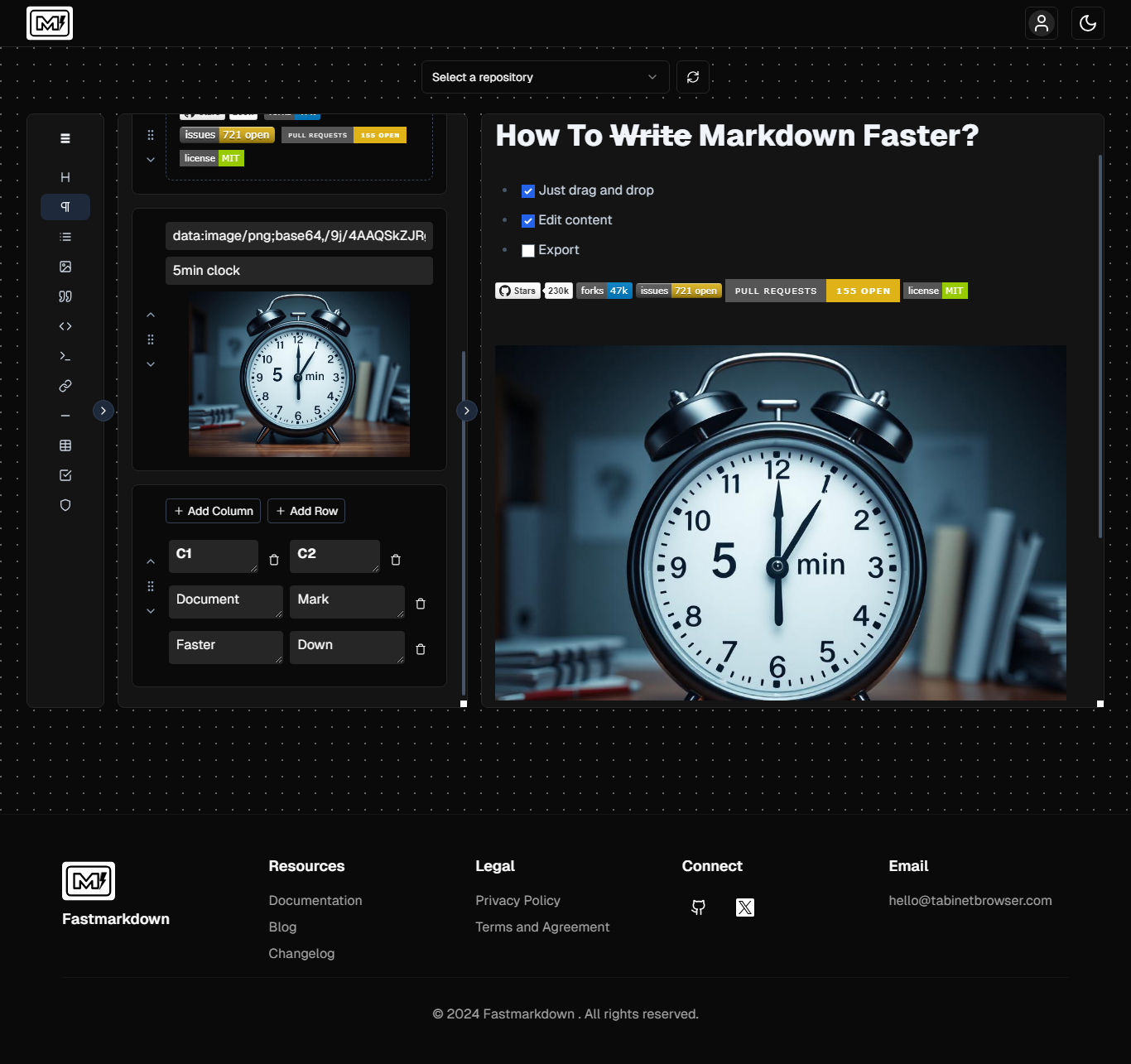
Fastmakrdown is a no-code, simple drag and drop tool for creating Markdown files. Everyone can create structured content faster without memorizing Markdown syntax with all elements accessible through drag and drop.
What to expect from an ideal product
- Drag text blocks from your document and drop them into Fastmarkdown's window
- Pick formatting elements from the toolbar and drop them where needed in your text
- Turn regular text into structured Markdown without typing any special characters
- Convert documents to Markdown format by moving content sections around visually
- Create clean Markdown files by simply dragging text and choosing styles from a menu

