This task can be performed using Anyfeat
Free file and PDF tools that run in your browser
Best product for this task

Anyfeat
tech
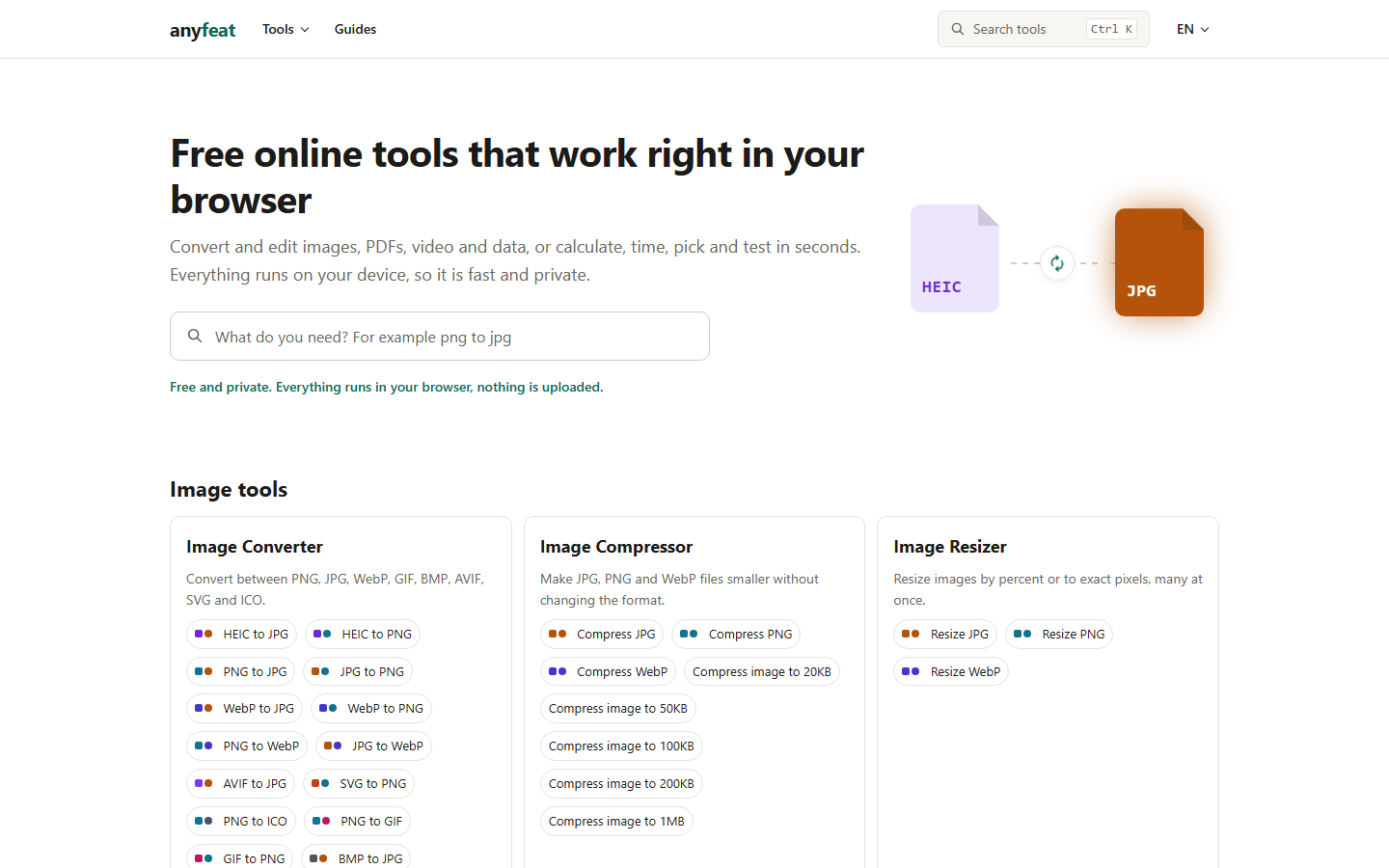
Convert, compress and edit images, PDFs and video right in your browser. Your files are never uploaded. No sign-up, no watermark.
What to expect from an ideal product
- Convert JPG, PNG, WebP or any image format to PDF without uploading anything to a server, your files stay on your device the whole time.
- No account needed, no watermark added, just open Anyfeat in your browser and get a clean PDF in seconds.
- Works on any device with a browser, no software to install, no plugins, no app store detour.
- Batch multiple images into a single PDF or keep them separate, Anyfeat handles both in one go.
- Free to use with no hidden limits, making it a practical daily tool for students, freelancers and small teams who deal with image to PDF conversions regularly.

