This task can be performed using PowerGoodies
Get rewarded every time you charge your electric car
Best product for this task
PowerGoodies
greentech
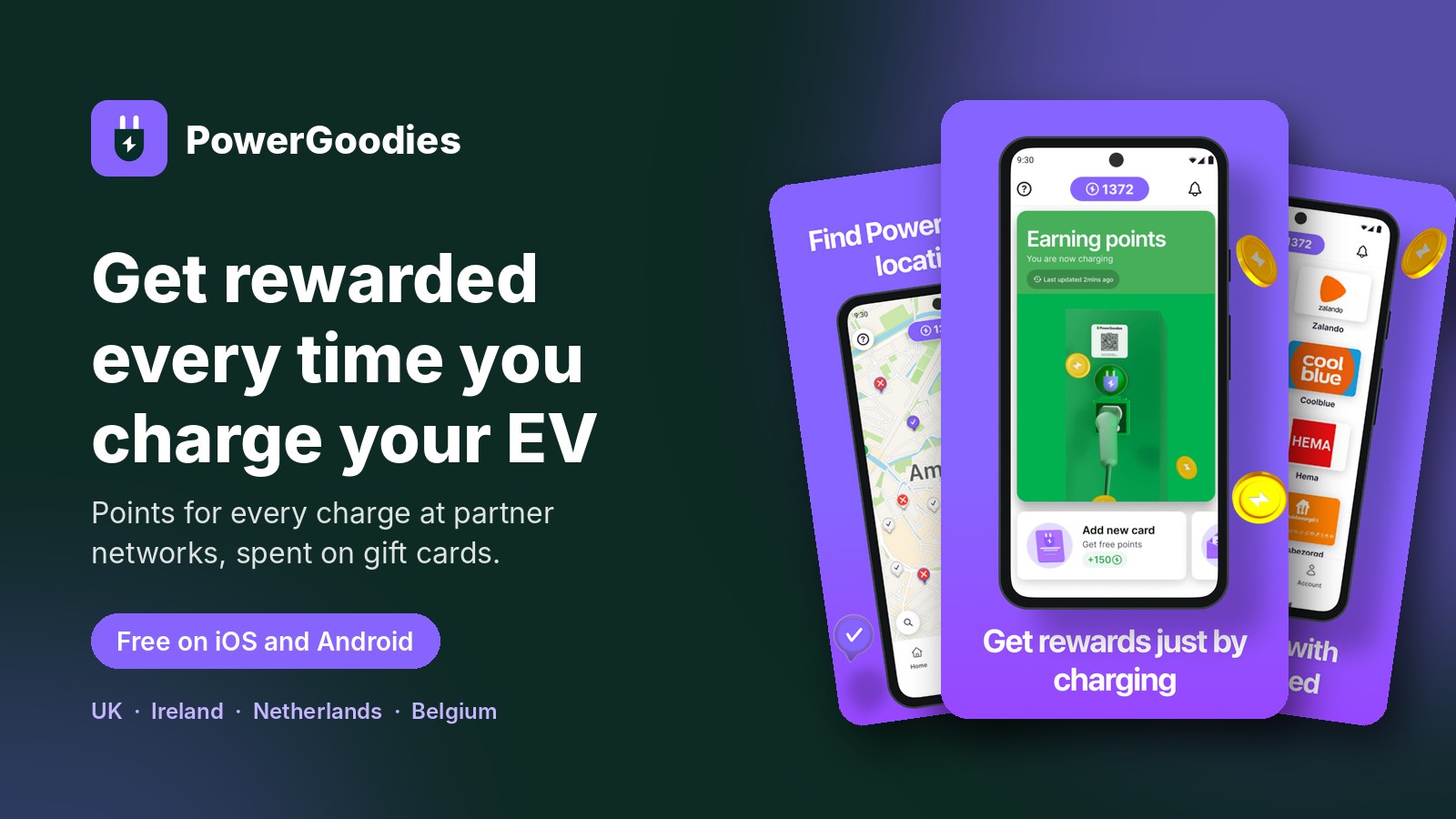
PowerGoodies is a free EV charging app that gives drivers points for every charge at partner networks, redeemable for gift cards in the in-app shop.
PowerGoodiesEV chargingEV charging appelectric vehiclessmart chargingloyalty programrewards appgift cards
What to expect from an ideal product
- Download PowerGoodies for free, create your account, and link it to supported partner charging networks in under two minutes from the app's connection settings.
- Once connected, every charging session at a partner network automatically logs points to your account, no manual check-ins or QR scanning needed.
- PowerGoodies works with major EV charging networks, so there is a good chance the stations you already use are eligible from day one.
- Points earned across all connected networks stack in one place and can be redeemed directly for gift cards inside the app shop.
- If a partner network is not connecting, make sure your charging account credentials match exactly, since mismatched emails are the most common setup issue.

