This task can be performed using Renoun
Pixel-perfect screenshots of anything on screen, no compromises.
Best product for this task

Renoun
dev-tools
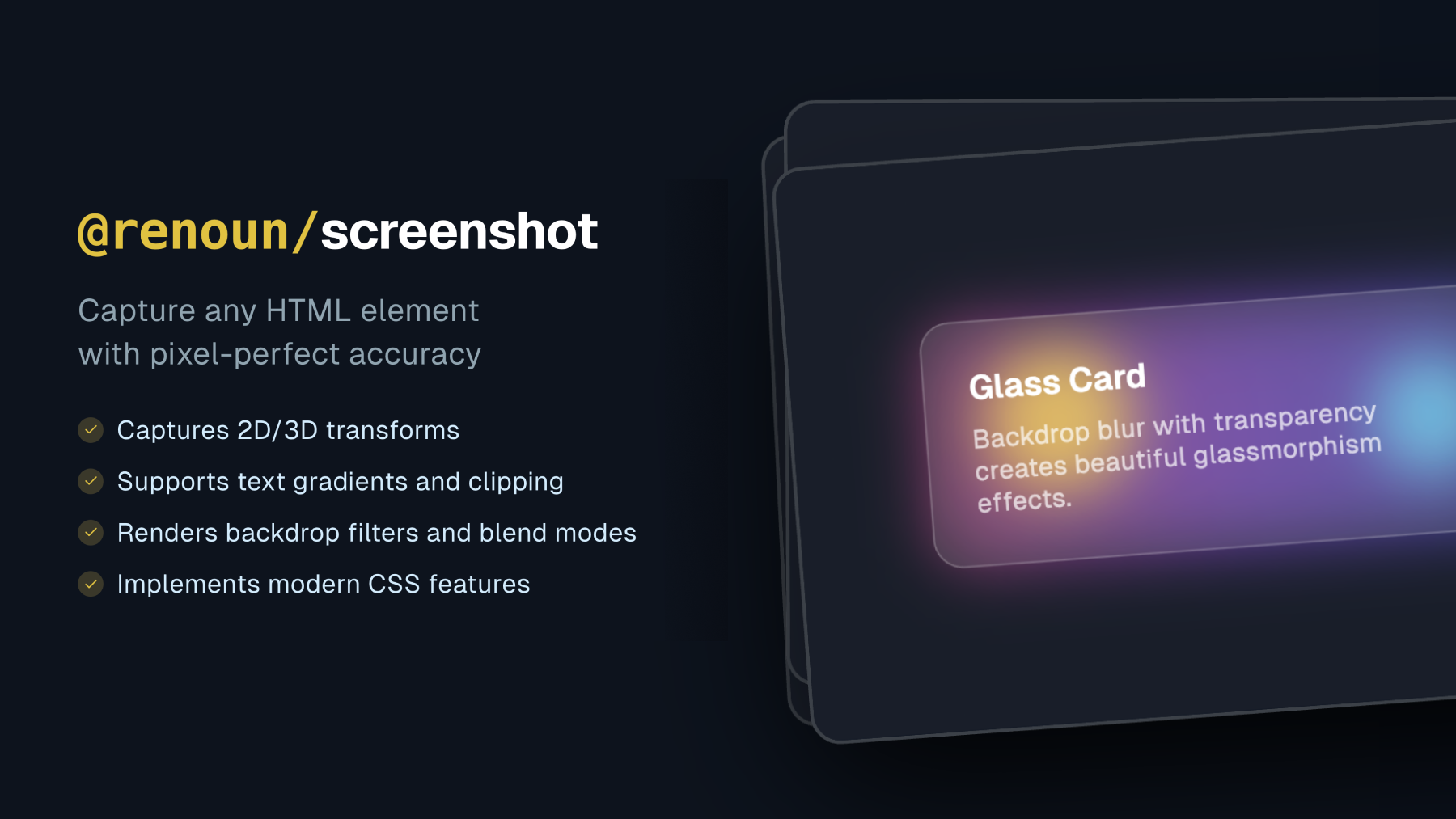
@renoun/screenshot is a CSS-focused screenshot library that captures HTML elements with pixel-perfect accuracy, including advanced transforms, gradients, and filters. It preserves modern browser rendering so developers can generate reliable visual exports directly from their UI.
What to expect from an ideal product
- Captures CSS gradients and backdrop filters exactly as they appear in the browser without any visual degradation or color shifts
- Handles complex CSS transforms like rotations, skews, and 3D effects while maintaining crisp edges and perfect positioning
- Preserves modern browser rendering features including CSS Grid layouts, Flexbox positioning, and advanced shadow effects
- Takes screenshots of specific HTML elements rather than full pages, giving you precise control over what gets captured
- Generates high-quality visual exports that match your original UI design down to the pixel level

