This task can be performed using Snaggd.io
Capture website bugs and design feedback directly on the page
Best product for this task

Snaggd.io
freelancer-tools
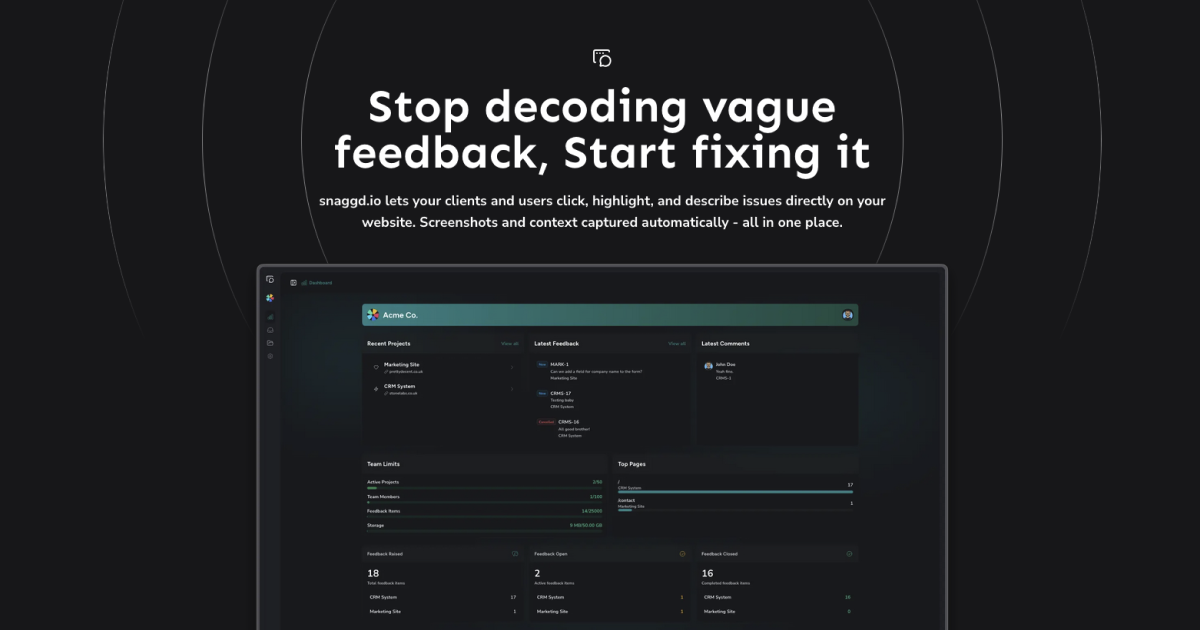
Snaggd.io lets your clients and users click, highlight, and describe issues directly on your website. Screenshots and context captured automatically - all in one place.
feedbackwebsite-feedbackbug-reportinguser-testingclient-reviewvisual-feedbackscreenshot-toolweb-app-toolingfrontend-toolssaas-product
What to expect from an ideal product
- Click directly on broken elements to mark issues instead of trying to describe where problems are located
- Get automatic screenshots of the exact page state when bugs happen so developers see what users actually experienced
- Capture browser details, screen size, and page URL automatically without asking users to gather technical information
- Let team members highlight specific design elements and add comments right on the webpage for clear visual feedback
- Collect all bug reports in one dashboard so nothing gets lost in email threads or chat messages

