This task can be performed using Inflowave
Make every client easier to manage than the last.
Best product for this task

Inflowave
tech
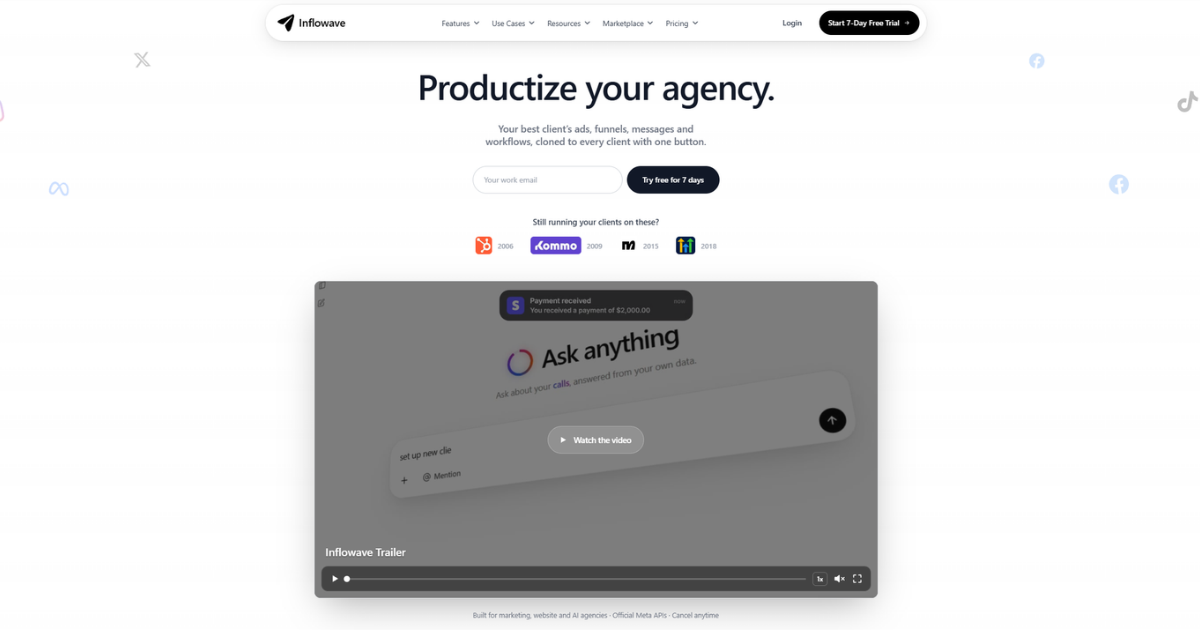
Inflowave helps marketing agencies manage clients, automate repetitive work, and reuse successful sales and marketing systems across their entire client portfolio.
If every new client requires the same manual setup, document your agency client onboarding workflow, build it visually, save the proven process as a template, and copy it into each new account. This guide shows how to standardize marketing agency processes, reduce repetitive work, and deliver a more consistent onboarding experience.
Before you build: document the onboarding process
Start with a marketing agency client onboarding checklist before opening a workflow builder. Write down every action required from signed agreement to active delivery.
Include:
- Creating the client workspace and user permissions
- Collecting brand details, offers, assets, and access
- Setting up contacts, pipelines, forms, and appointment calendars
- Confirming communication channels and notification rules
- Sending welcome messages and internal task assignments
- Scheduling the kickoff and reviewing launch readiness
Separate tasks into three groups:
- Client actions, such as completing an intake form.
- Team actions, such as reviewing submitted information.
- Automated actions, such as sending reminders or assigning a task.
This prevents you from automating unclear steps. It also makes gaps visible before they affect delivery. If you are still deciding how your systems should be structured, review this guide on choosing a CRM for managing multiple agency clients.
The deciding factor among tech products is whether they support this exact workflow.
Build the workflow visually
Use a visual workflow builder for agencies to turn the checklist into triggers, conditions, actions, and approvals.
A simple client onboarding automation for agencies might work like this:
- Trigger when a new client workspace is created.
- Send an intake form and welcome email.
- Wait for the form submission.
- Notify the account owner when information arrives.
- Create setup tasks for the delivery team.
- Send a reminder if the form is incomplete after a defined period.
- Mark onboarding ready when required fields and assets are present.
Keep client-facing messages separate from internal tasks. Add clear names to each step, such as “Request brand assets” or “Assign kickoff owner.” Use conditions for meaningful differences, such as service type or client industry, rather than creating an entirely separate workflow for every variation.
Inflowave combines dedicated client workspaces with contacts, pipelines, conversations, appointments, and workflows. Its workflow builder can support processes such as lead qualification, reminders, follow-ups, and onboarding. Teams can also manage communication across supported channels in one system.
For agencies evaluating marketing automation products, the important test is practical: can your team see, edit, and verify the process without rebuilding it from scattered tools?
Turn a successful process into a reusable template
Run the workflow with one suitable client and check each handoff. Confirm that:
- The correct person receives every notification.
- Missing information creates a useful reminder.
- Internal tasks have owners and due dates.
- Client messages use adaptable language.
- Completion is easy to verify.
Once tested, remove client-specific names, links, assets, and campaign details. Replace them with fields or clear setup instructions. Save the result as an agency workflow template, such as “Standard Client Onboarding” or “Paid Ads Client Launch.”
A good template contains:
- Purpose and starting trigger
- Required fields and prerequisites
- Workflow steps and decision points
- Message templates
- Owner responsibilities
- A short launch checklist
This is the foundation for marketing agency automation workflow templates. It also makes it easier to standardize agency operations with CRM software rather than relying on individual memory.
Copy the workflow into new client accounts
For each new client, clone the approved workflow into the client workspace. Then complete a short adaptation pass:
- Replace the client name, contacts, links, and assigned team members.
- Confirm fields, pipelines, calendars, and communication channels.
- Review timing, consent requirements, and message tone.
- Run a test using an internal contact.
- Check that the final completion status and notifications work.
More topics related to Inflowave
Similar topics
- How to reuse successful marketing systems across multiple client accounts?
- How to automate client onboarding workflows for a marketing agency?
- Automate Recurring Client Reporting Across Marketing Agency Accounts
- Marketing Agency Client Management Software Alternatives to Spreadsheets
- How to choose a CRM for managing multiple agency clients

