This task can be performed using OpenInterpreter
Work side‑by‑side with AI that edits, fills, and finishes
Best product for this task

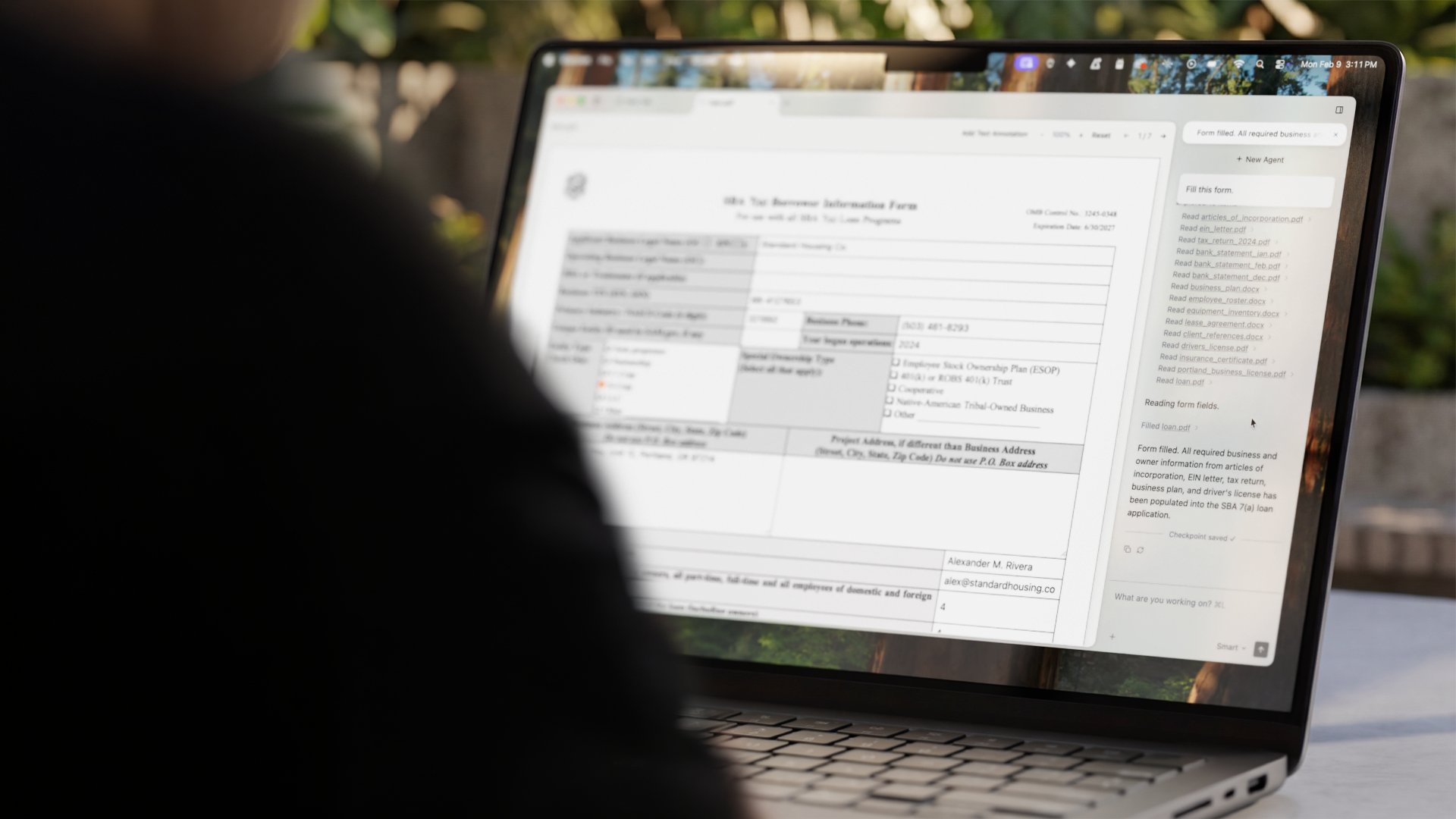
Interpreter is a desktop AI agent that reads, edits, and creates Word, Excel, and PDF documents for you. Describe your task in plain language and it fills forms, builds spreadsheets, and transforms files while keeping your data under your control.
What to expect from an ideal product
- OpenInterpreter reads your plain language instructions and automatically creates Excel spreadsheets with the data you need, eliminating hours of manual typing and formatting
- The AI agent connects to your data sources and pulls information directly into Excel cells, organizing everything according to your specifications without you touching a single cell
- You can describe complex spreadsheet structures in everyday language and OpenInterpreter builds the entire framework, complete with formulas, headers, and calculated fields
- The tool transforms data from other file formats like PDFs or Word documents and populates your Excel sheets automatically, saving you from copy-paste work
- OpenInterpreter fills recurring spreadsheet templates by understanding your patterns and requirements, letting you generate reports and data sheets with just a simple description

