This task can be performed using OpenInterpreter
Work side‑by‑side with AI that edits, fills, and finishes
Best product for this task

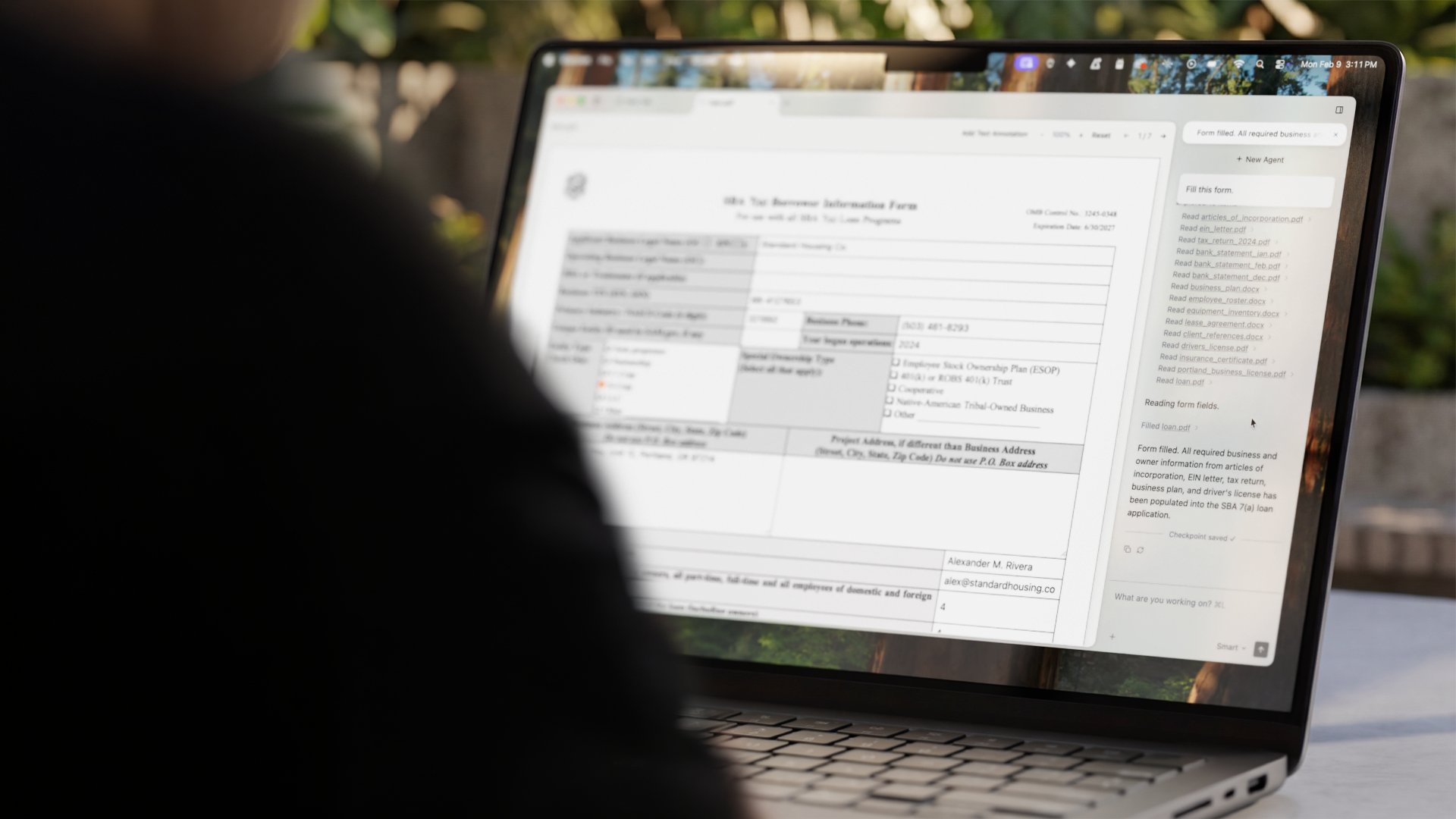
Interpreter is a desktop AI agent that reads, edits, and creates Word, Excel, and PDF documents for you. Describe your task in plain language and it fills forms, builds spreadsheets, and transforms files while keeping your data under your control.
What to expect from an ideal product
- Describe what you need filled in plain language and OpenInterpreter reads your Word or PDF forms to understand which fields need completion
- The AI agent automatically extracts data from your existing documents or sources to populate form fields without manual copy-pasting
- Works directly on your desktop so sensitive form data stays on your computer instead of being sent to external servers
- Handles complex forms with multiple sections, checkboxes, and dropdown menus by understanding the document structure and field relationships
- Processes multiple forms at once using the same data set, saving hours when you need to fill similar information across different documents

