This task can be performed using InfoLobby
Everything a custom internal app does. Nothing you have to maintain.
Best product for this task

InfoLobby
team-tools
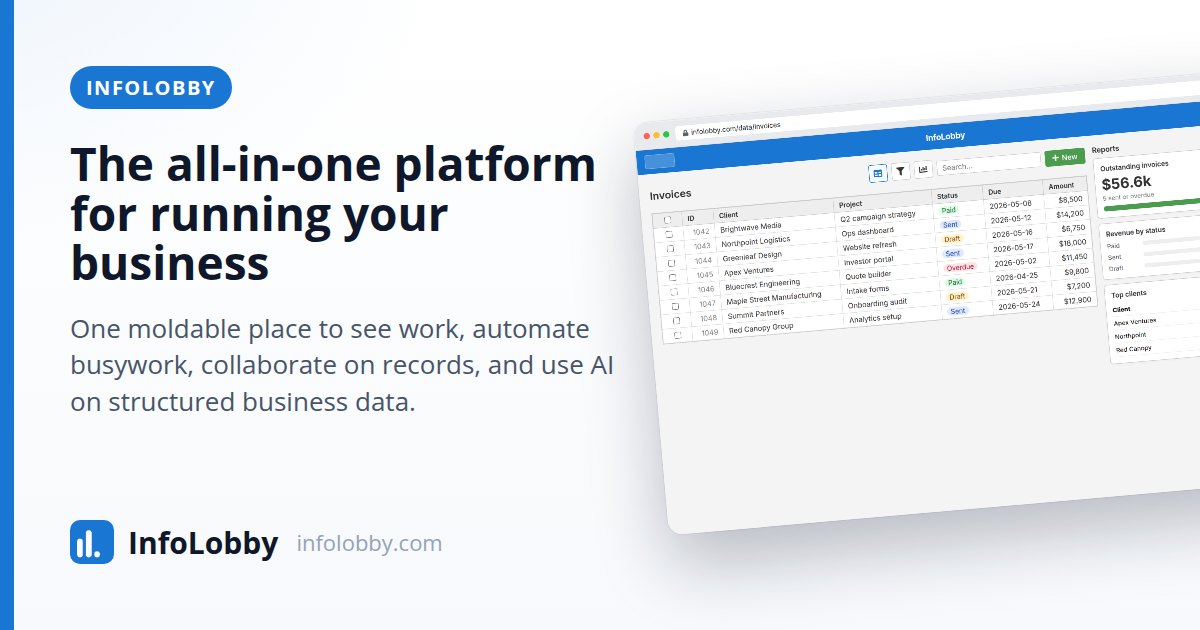
InfoLobby gives you one place to run the work: tables with real field types and relationships, grid, kanban, calendar and gallery views, tasks, comments, files and full history on every record. Visual flows automate the busywork, web forms and inbound email bring work in, and a public REST API takes it anywhere else. Unlimited users on every plan.
What to expect from an ideal product
- InfoLobby's visual flow builder lets you trigger automatic actions when a record is updated, a form is submitted, or an email lands in your inbox, no code needed.
- Instead of manually copying data between spreadsheets, you can set up multi-step workflows that move, transform, and route records across your tables based on field values.
- Web forms feed directly into your InfoLobby tables, so every submission creates a structured record with the right field types, relationships, and file attachments already in place.
- Inbound email parsing turns incoming messages into actionable records automatically, cutting out the copy-paste loop that eats up hours of data entry every week.
- Because InfoLobby includes unlimited users on every plan, your whole team can work inside the same automated system without worrying about per-seat costs ballooning as you scale.

